Comparing Numbers Worksheets
- 22 pages
- Kindergarten, 1st
$4.00
DownloadOr get it with All-Access: pick any 20 resources a month for $7.
New here? Your first month of All-Access is half off with code TEACHERTOK
Already bought this, or a member?
Instant download. One teacher's license: colleagues need their own copy. Each file carries a license number.
Also on Teachers Pay Teachers: see the Bright Path Sped store
About this resource
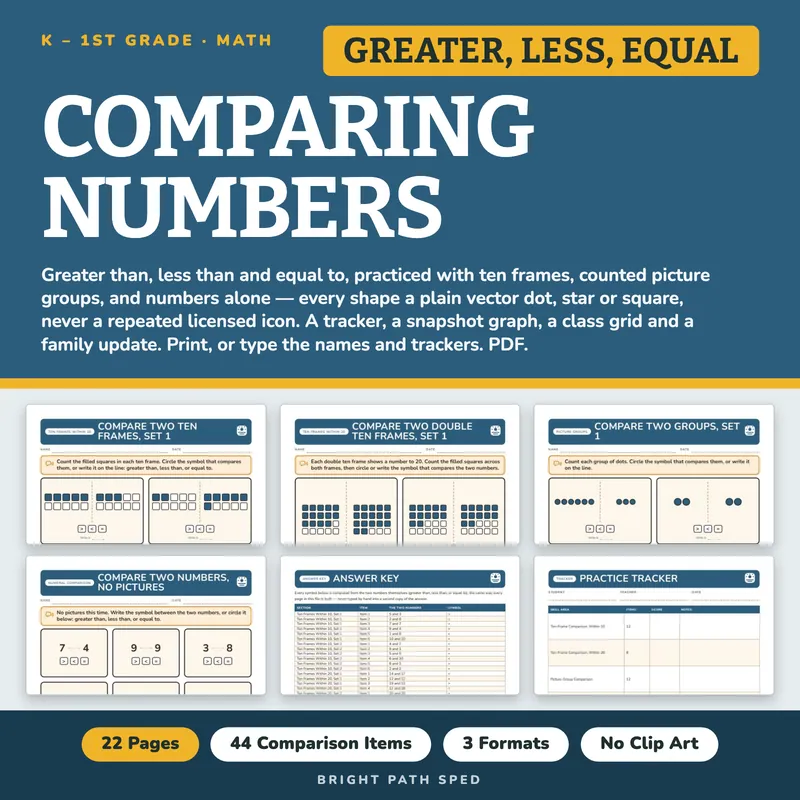
A comparing-numbers kit for kindergarten and first grade: greater than, less than, and equal to,
practiced three ways — with a ten frame, with a counted picture group, and with numbers alone —
plus the record-keeping a classroom or small group needs around it.
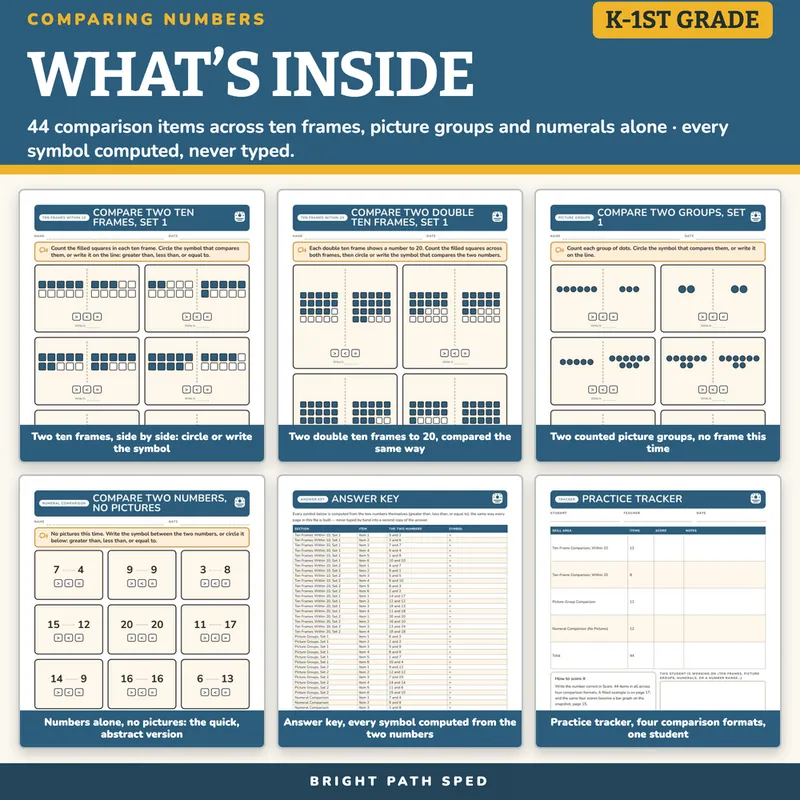
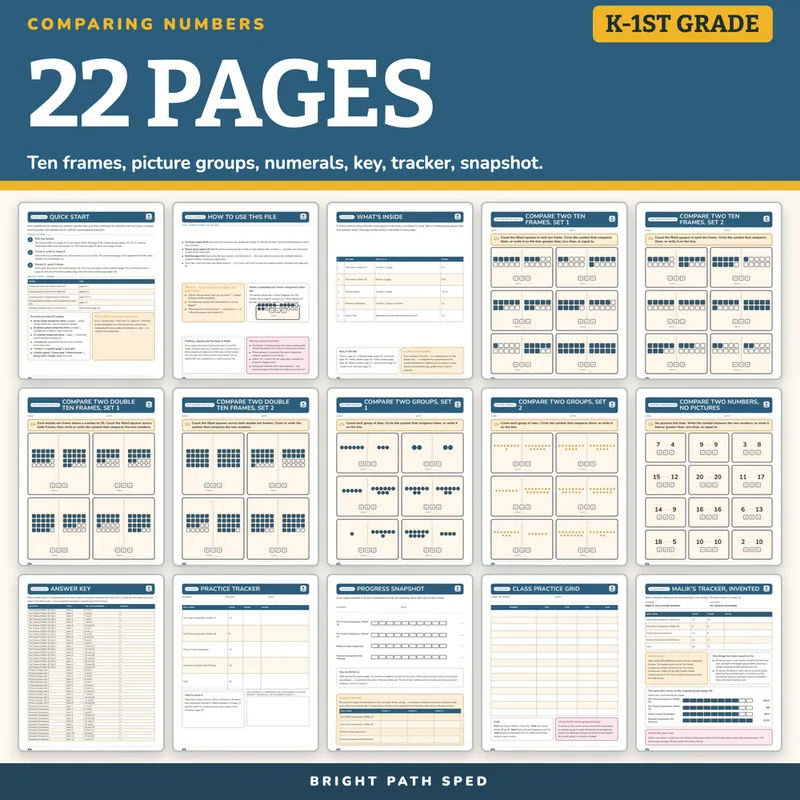
EVERYTHING INSIDE (22 pages)
- 20 ten-frame comparison items across 4 pages — within 10 and within 20 (a double ten frame),
circle or write the symbol that compares the two frames
- 12 picture-group comparison items across 2 pages — two counted sets of dots or stars, no frame,
within 15
- 12 numeral comparison items on 1 page — no pictures at all, the quick, abstract version, within 20
- 1 answer key, generated from the same numbers every worksheet uses
- 1 practice tracker (one student, four comparison formats), 1 progress snapshot (a bar graph
rolling the four scores into one picture), and 1 class grid (whole class), type-in or print
- 1 family update — a note home with blanks for the week's formats and the district's own wording
- 1 home practice page — a second, self-contained practice set for a family to use together, with
no school materials needed
- 1 filled example — an invented student, every number checked against its own table
- 1 phrase bank — progress-note, family-note, next-step and talk-first starters
- 1 binder cover with a spine label and six divider tabs
- Start Here, a how-it-works page, and a contents page that gives every page number
Every Symbol Computed, Never Typed
Every "greater than," "less than" or "equal to" in this file — on a worksheet page or on the
answer key — is computed by comparing the two numbers themselves in code. There is no second,
hand-typed key.
No Clip Art
Every shape is a plain vector counter drawn by the same engine as this store's Counting and
Simple Math with Pictures: a CSS circle, a CSS rounded square, or a five-point star cut with
`clip-path`. Nothing here is a licensed icon standing in for an object to compare.
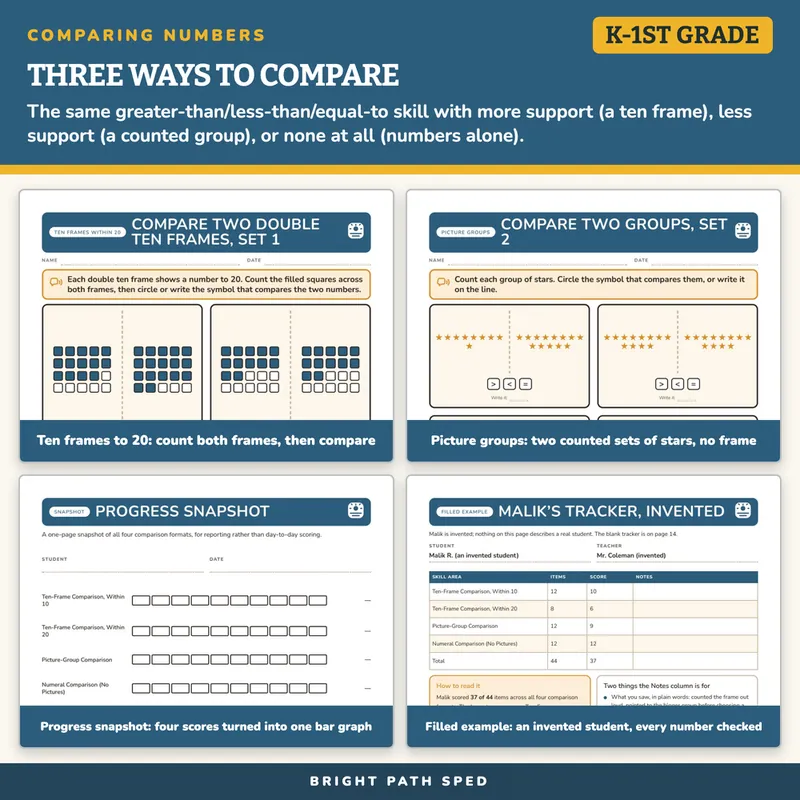
Three Ways To Compare
Ten-frame pages show two frames side by side — count the filled squares in each, then compare.
Picture-group pages show two counted sets of dots or stars, no frame — a quicker, less structured
version of the same task. The numeral page shows only the two numbers, no picture at all — the
most abstract version, for a student ready to compare without counting an object first.
Type In, Or Print
The name and date lines, the symbol lines, the tracker, the snapshot, the class grid, the family
update and the home page are type-in fields in any PDF reader; every ten frame, dot and star is
always printed, never typed. This is a fillable PDF; it is not a Google Slides, Google Docs or
PowerPoint file.
Who This Is For
Kindergarten and first-grade classrooms, self-contained and resource rooms, and any small group
working on comparing numbers below or above grade level.
What This Is, And What It Is Not
A comparing-numbers practice set with the record-keeping around it. It is not a full math
curriculum, not an assessment, and not a claim about any student's age, grade level or rate of
progress. The tracker has a blank line for your own scoring criteria.