IEP Calendar Editable, Fillable School Year Date Tracker for Case Managers
- 23 pages
- Not Grade Specific
- PDF, fillable
$1.75 $3.50 on Teachers Pay Teachers
Half the Teachers Pay Teachers price. The same PDF, sold direct.
DownloadOr get it with All-Access: pick any 20 resources a month for $7.
New here? Your first month of All-Access is half off with code TEACHERTOK
Already bought this, or a member?
Instant download. One teacher's license: colleagues need their own copy. Each file carries a license number.
Also on Teachers Pay Teachers: see the Bright Path Sped store
About this resource
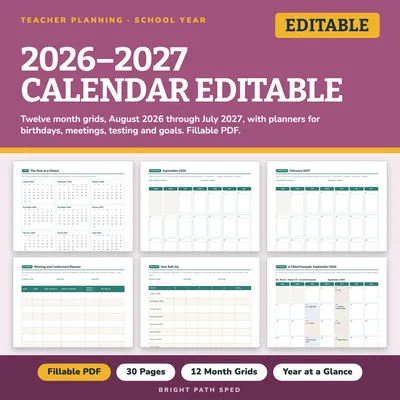
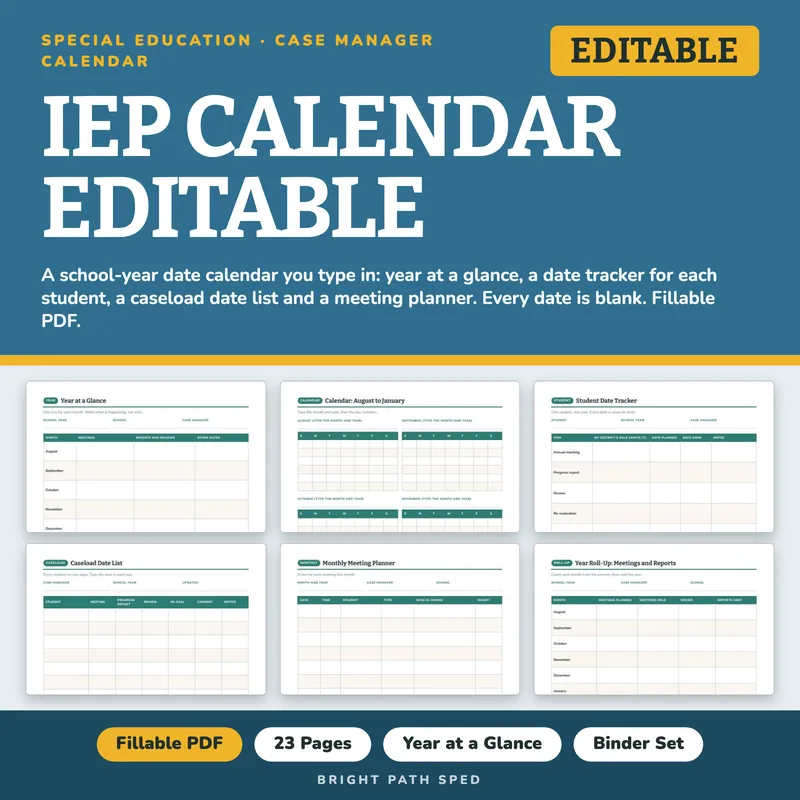
I made this calendar for the case manager who wants the whole school year of IEP dates in one place. Every date is blank, so you write your own, and each tracker row has a line for your district's own rule. 23 pages, fillable PDF.
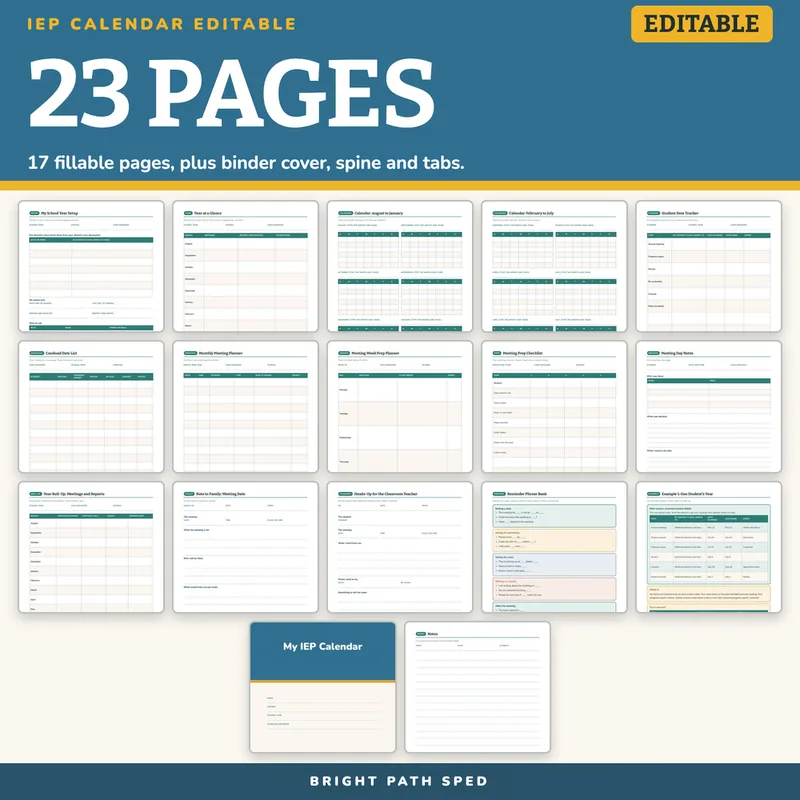
WHAT IS INCLUDED - 23 pages
Start And Setup
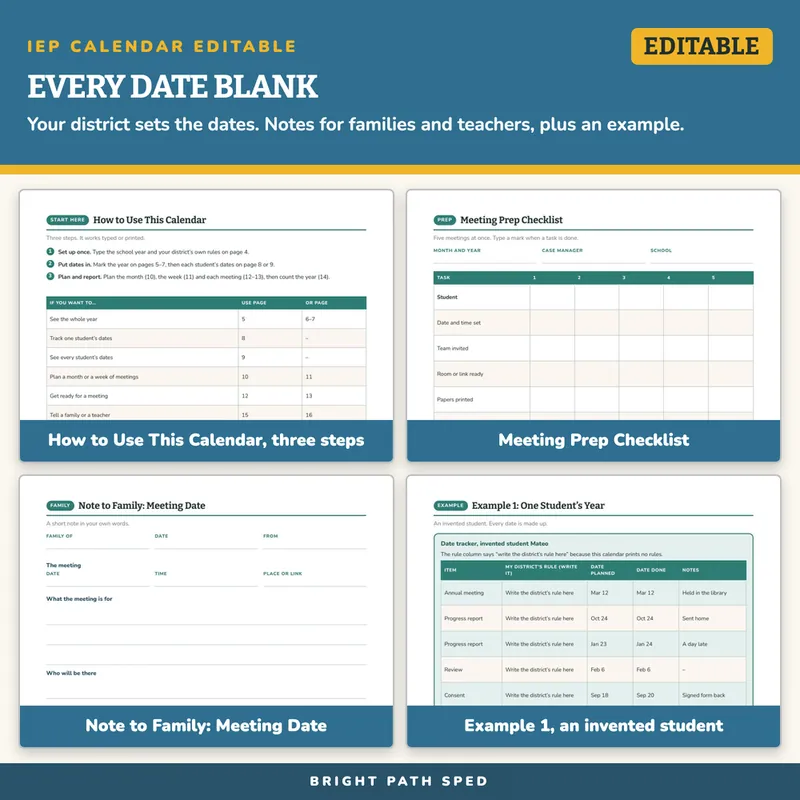
- How to Use This Calendar - three steps and a table that points you to the right page
- My School Year Setup - 7 lines for your district's own rules, your school year dates and 5 contact lines
The Year
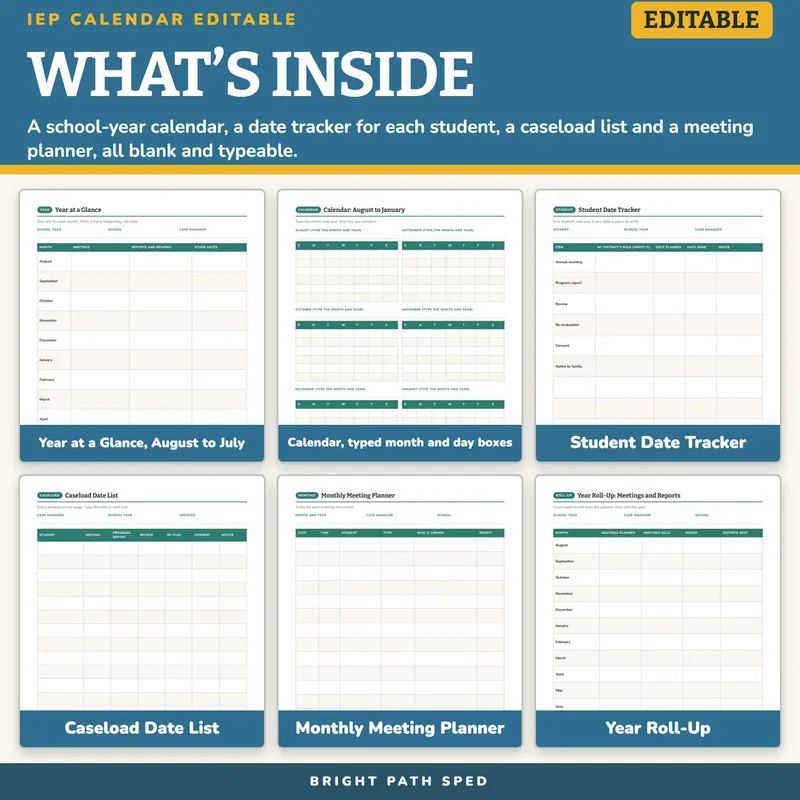
- Year at a Glance - 12 months, August to July, with meetings, reports and other dates
- Two calendar pages - 12 months, 6 on each page, with typed month and year and a box for each day
Student And Caseload
- Student Date Tracker - 6 named items (annual meeting, progress report, review, re-evaluation, consent, notice to family) plus 4 blank rows, each with a line for your district's rule
- Caseload Date List - 17 students on one page
Roll-Up And Notes Home
- Year Roll-Up - 12 months plus a year row: planned, held, moved, reports sent
- Note to Family: Meeting Date and Heads-Up for the Classroom Teacher - blanks for your own words
- Reminder Phrase Bank - 15 starters in 5 groups
- Notes - a lined page
Examples
- Example 1 and Example 2 - an invented student's year and an invented month with its roll-up, every count shown so you can check it
Binder Set
- A binder cover to type on, a spine label and 6 divider tabs to print and cut
How To Use It
1. Open the PDF in a reader such as Adobe Acrobat Reader. Click a box and type. Save As with the date, so the original stays blank.
2. Or print and write by hand. Print at Actual size.
3. Print the tabs on cardstock, cut, punch, and file the pages behind them.
What This Is, And What It Is Not
It is a fillable PDF. It works offline with no account. It is not a Google Sheets file, a Google Doc or an Excel workbook. It does not count days or send reminders; you type the dates. It prints no due dates, timelines, deadlines or rules. Your district and your IEP team decide those, and there is a blank line for each. The example student is invented.
Who This Is For
Special education case managers and teachers who keep track of meeting and report dates, plus anyone who helps them: classroom teachers get a heads-up page and families get a meeting note.