Area and Perimeter Quiz
- 20 pages
- 3rd, 4th
$1.50 $3.00 on Teachers Pay Teachers
Half the Teachers Pay Teachers price. The same PDF, sold direct.
DownloadOr get it with All-Access: pick any 20 resources a month for $7.
New here? Your first month of All-Access is half off with code TEACHERTOK
Already bought this, or a member?
Instant download. One teacher's license: colleagues need their own copy. Each file carries a license number.
Also on Teachers Pay Teachers: see the Bright Path Sped store
About this resource
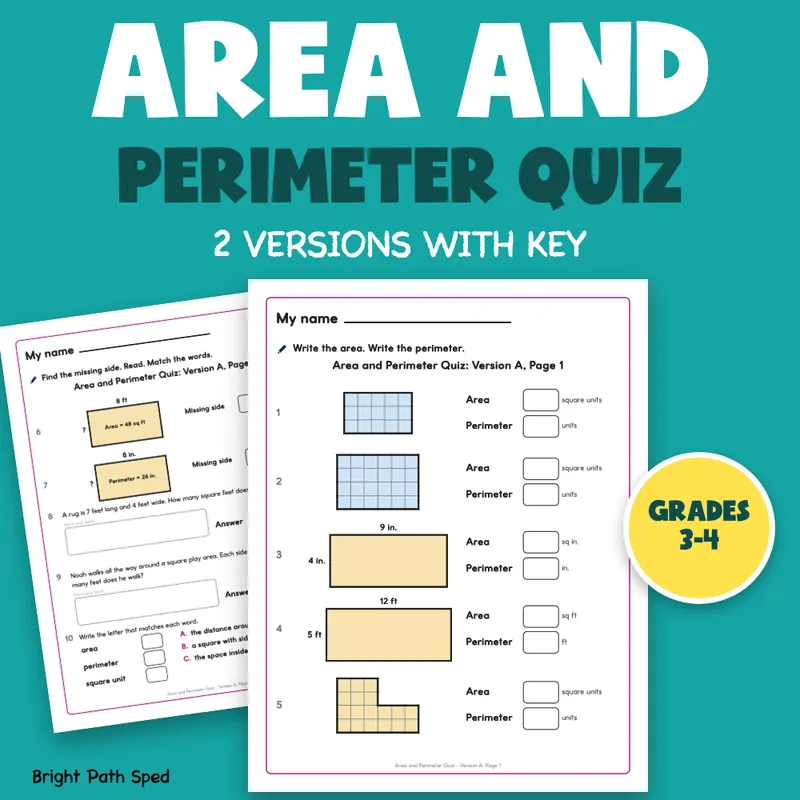
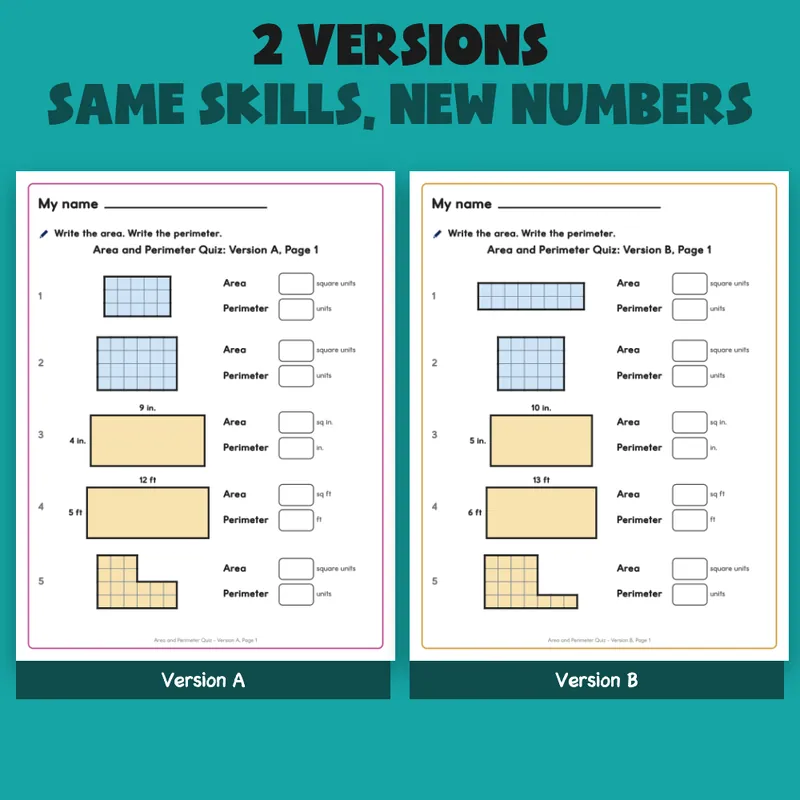
Need an area and perimeter quiz you can print in a minute? This set has two versions of a 10-item quick check, Version A and Version B, with the same skills and different numbers. Use A before you teach and B after, or give A to one group and B to the next. Every item has a big picture to work from: a grid of unit squares to count, a rectangle labeled in inches or feet, an L-shape on a grid, a rectangle with a missing side, two word problems and a match of the words area, perimeter and square unit. Each version takes two pages. Students write in big boxes, and the answer key, a class record and an item tally are in the file.
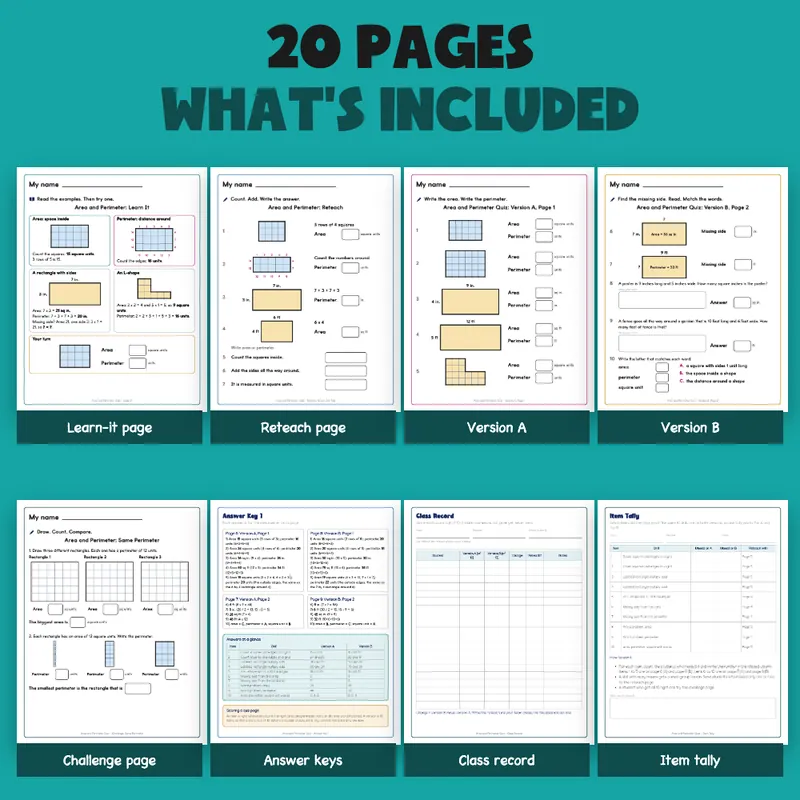
EVERYTHING INSIDE (20 pages)
- 2 versions of the quick check, each with 10 items across two sheets (20 items in all): 2 grid shapes (write the area and the perimeter), 2 labeled rectangles (inches and feet), 1 L-shape on a grid, 2 missing-side items (one from the area, one from the perimeter), 2 word problems with a work box, and 1 match of three words to three meanings
- 1 learn-it page: area as the space inside, perimeter as the distance around, a labeled rectangle, an L-shape split into two rectangles, a missing side, and one to try
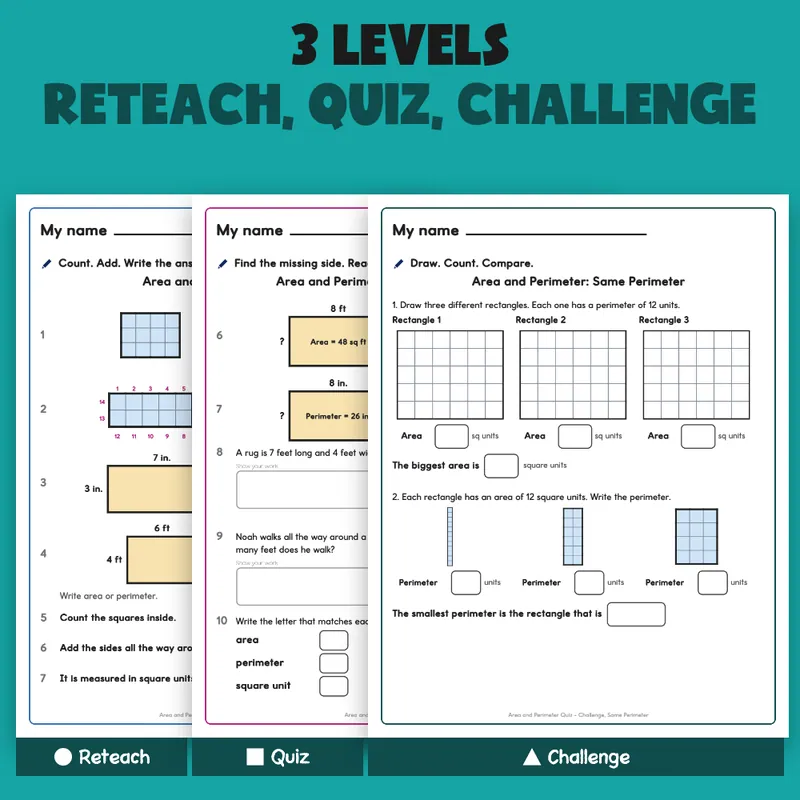
- 1 reteach page: guided counting and adding, with the edges of a grid numbered, and three area-or-perimeter lines (7 items)
- 1 challenge page: draw three different rectangles with the same perimeter, then compare three rectangles with the same area (8 boxes)
- 2 wall posters (Area, Perimeter)
- 2 answer-key pages: every item for both versions, answers at a glance, mix-ups to watch for
- 1 class record (20 rows), 1 item tally (10 items, with the page to reteach with), 1 filled example (an invented class of 8 students, with a roll-up graph), 1 family page, a Start Here page, a terms page, a What's Next page and a credits page
Three Levels
The file has three levels, named on the pages: Reteach (page for students who are just starting), Quiz (Version A and Version B) and Challenge (the same-perimeter page for students ready for more).
How It Works
1. Print Version A (or B) and hand it over. Each page has one short instruction and big boxes to write in.
2. Score it with the key. An item is right when every box in it is right, so a version is out of 10.
3. Write the scores on the class record and tally the missed items.
4. The tally tells you which page to reteach with. Give the other version after reteaching and see who moved.
Built For The Child Holding The Page
A big "My name" line, big grids, boxes big enough for a child's handwriting, and a work box on the word problems. Nothing on a student page is written for an adult; the keys, record and tally are on separate teacher pages. The shapes are plain grids and rectangles, easy to read and easy to photocopy. All names and numbers in the example are made up. Every area and perimeter was counted or worked out by code from the same numbers that are drawn on the page (the squares drawn on each grid and the edges around it were counted back and matched), and every answer in the key comes from the same numbers as its page.
What This Is, And What It Is Not
It is a fillable PDF for printing: the name line and the answer boxes can be typed into, or you can print and write by hand. It covers area (counting squares and multiplying) and perimeter (adding the sides), with whole numbers, in inches, feet and square units. It is not a file you can resize or re-edit, and it is not a Google Slides, Docs or PowerPoint file. It does not test, place or label students, and it does not set a passing score; your team picks its own reteach line.
Who This Is For
Names CCSS 3.MD.C.7 (area) and 4.MD.A.3 (area and perimeter formulas for rectangles) in general; check your own pacing guide for how your district words them.
Third and fourth grade teachers, interventionists, special education teachers and families who want a quick check on area and perimeter with a key.