Classwork Tracker
- 20 pages
- Not Grade Specific
- PDF, fillable
$2.00 $4.00 on Teachers Pay Teachers
Half the Teachers Pay Teachers price. The same PDF, sold direct.
DownloadOr get it with All-Access: pick any 20 resources a month for $7.
New here? Your first month of All-Access is half off with code TEACHERTOK
Already bought this, or a member?
Instant download. One teacher's license: colleagues need their own copy. Each file carries a license number.
Also on Teachers Pay Teachers: see the Bright Path Sped store
About this resource
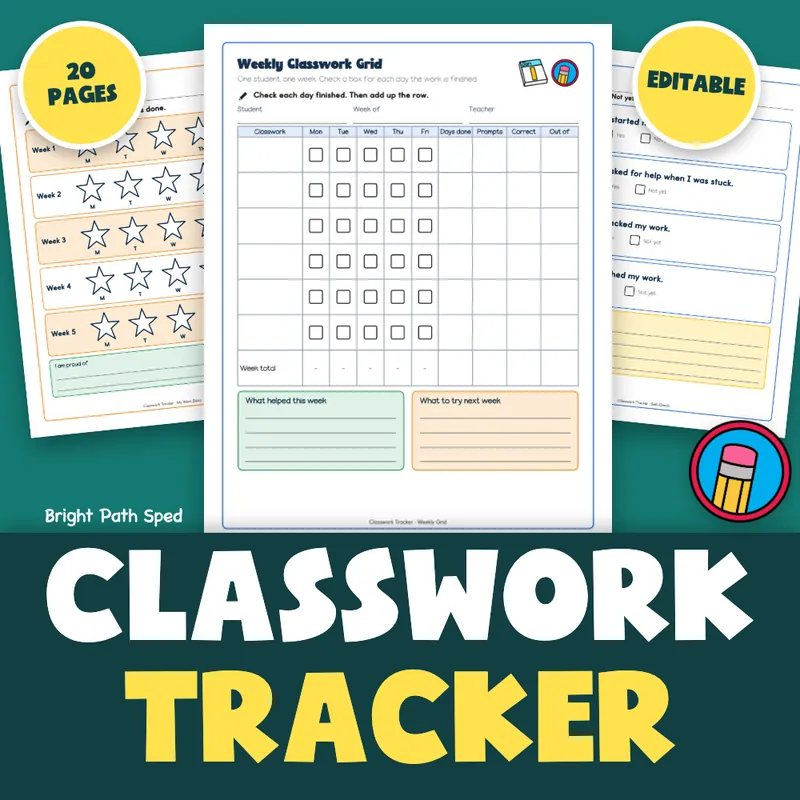
You can see who is turning in classwork. It is harder to see how much help it took and how many answers were right. This editable PDF puts all three on one page for each student, then rolls the week up into a month and a graph.
EVERYTHING INSIDE (20 pages)
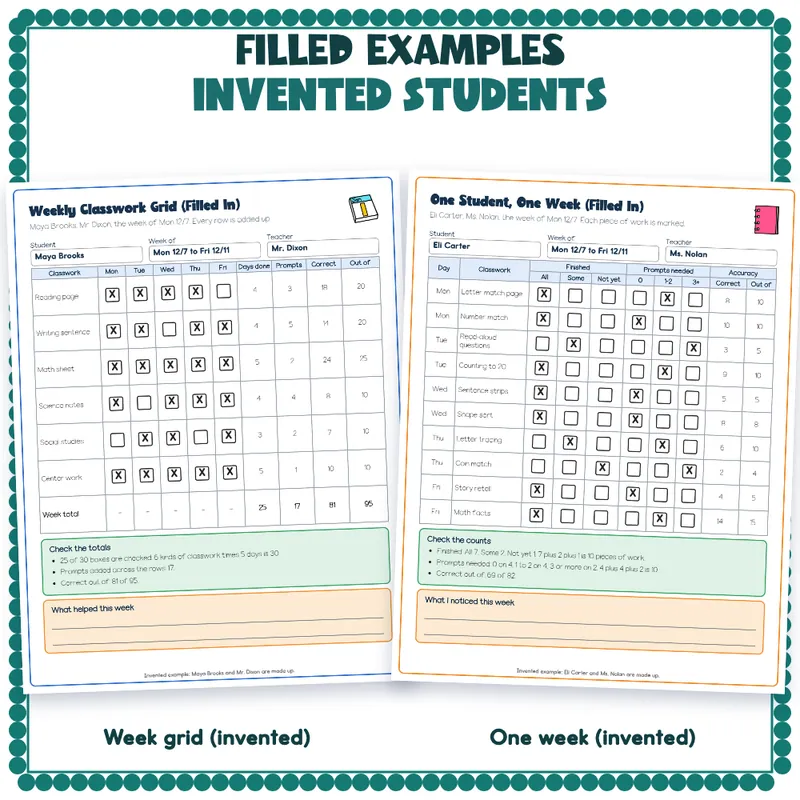
- A weekly classwork grid: 6 kinds of classwork by 5 days, with a check box for each day finished, then days done, prompts, correct and out of for each row, and a week total row. A filled-in version is included.
- A one-student week: 10 pieces of classwork (2 a day), each with three Finished boxes (All, Some, Not yet), three Prompts needed boxes (0, 1-2, 3+), and Correct and Out of. A filled-in version is included.
- A class roster for 15 students with a check box for each day of the week, days done and notes.
- A class snapshot for 14 students on one day: finished, prompts needed, correct out of.
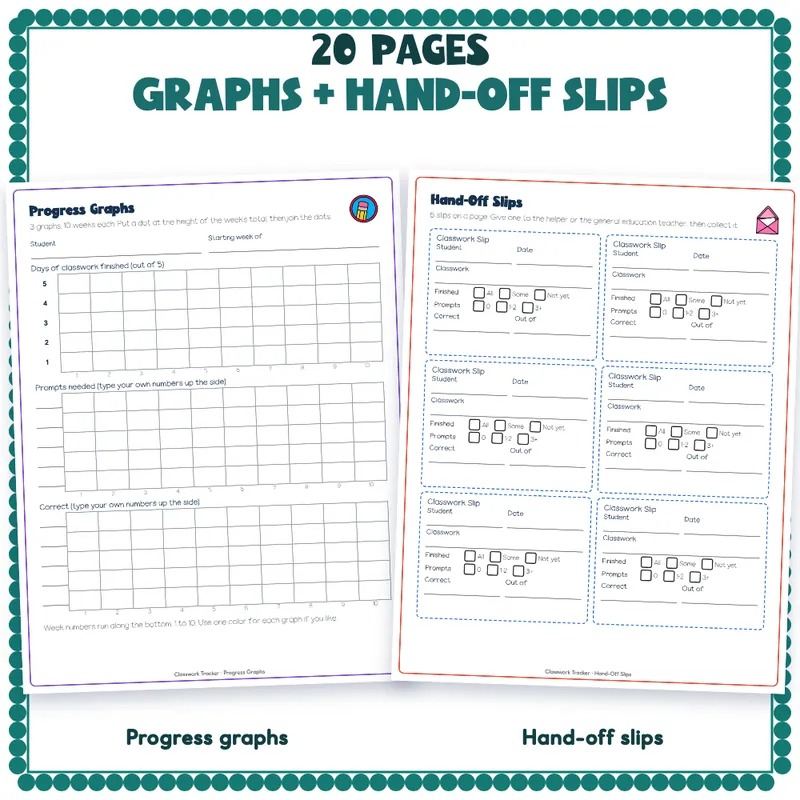
- A monthly roll-up with 5 week rows and a month total row, and 3 blank progress graphs (days finished, prompts needed, correct), 10 weeks wide.
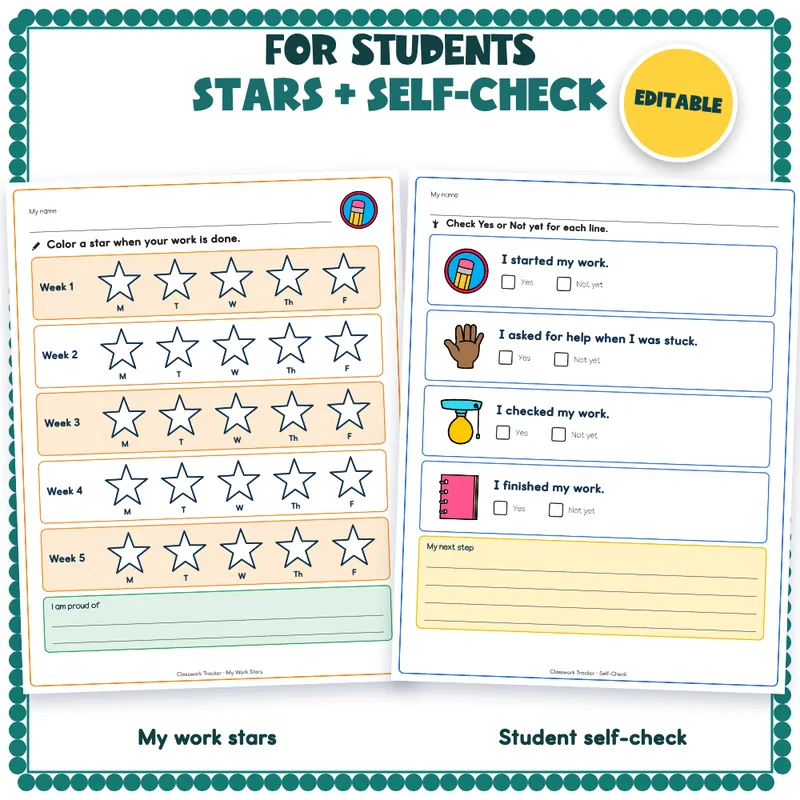
- Student pages: a work-stars page with 5 weeks of stars to color, and a self-check with 4 lines to answer Yes or Not yet.
- 6 hand-off slips on one page, for a paraprofessional or a general education teacher to fill in.
- A family update letter with a 5-day table, a line for something to try at home, and a signature line.
- A phrase bank of 8 sentence starters in 4 groups (finished, prompts, accuracy, next step), each ending in a blank, plus 7 lines for your own.
- A binder cover with a spine, and 8 divider tabs.
- Start Here, a how-to page with blank lines for what your team counts as finished and as a prompt, the terms of use, and a thank-you page with credits.
How To Edit
Open the PDF in Adobe Acrobat Reader, Preview or your browser. Click a line or a box and type. Save As to keep a clean blank copy for next week. This is a fillable PDF, not an online tracker: nothing to log into and nothing to unlock. A check box is a small box you type an X into. You can also print any page and mark it by hand.
Print Tips
Print on letter paper at 100 percent. The lines and boxes are dark, so the pages photocopy in black and white. Print the binder cover, spine and tabs on cardstock.
Student Names Stay Private
Your Team'S Words
This is a set of forms. It does not score a student or say how much help is right. What counts as finished and what counts as a prompt are blank lines on the how-to page, for your team to write in its own words.
Who This Is For
Special education teachers, resource teachers and the aides who track classwork each week, and the general education teachers who hand work back.
What This Is, And What It Is Not
A set of fillable forms for tracking classwork completion, prompts needed and accuracy. The two example students and their teachers are invented, and each example page says so in a footnote. It is not a gradebook, and it does not calculate anything for you: you add up the marks and type the totals.