Cubby Name Tags
- 26 pages
- PreK, Kindergarten, 1st, 2nd, 3rd
- PDF, fillable
$2.00 $4.00 on Teachers Pay Teachers
Half the Teachers Pay Teachers price. The same PDF, sold direct.
DownloadOr get it with All-Access: pick any 20 resources a month for $7.
New here? Your first month of All-Access is half off with code TEACHERTOK
Already bought this, or a member?
Instant download. One teacher's license: colleagues need their own copy. Each file carries a license number.
Also on Teachers Pay Teachers: see the Bright Path Sped store
About this resource
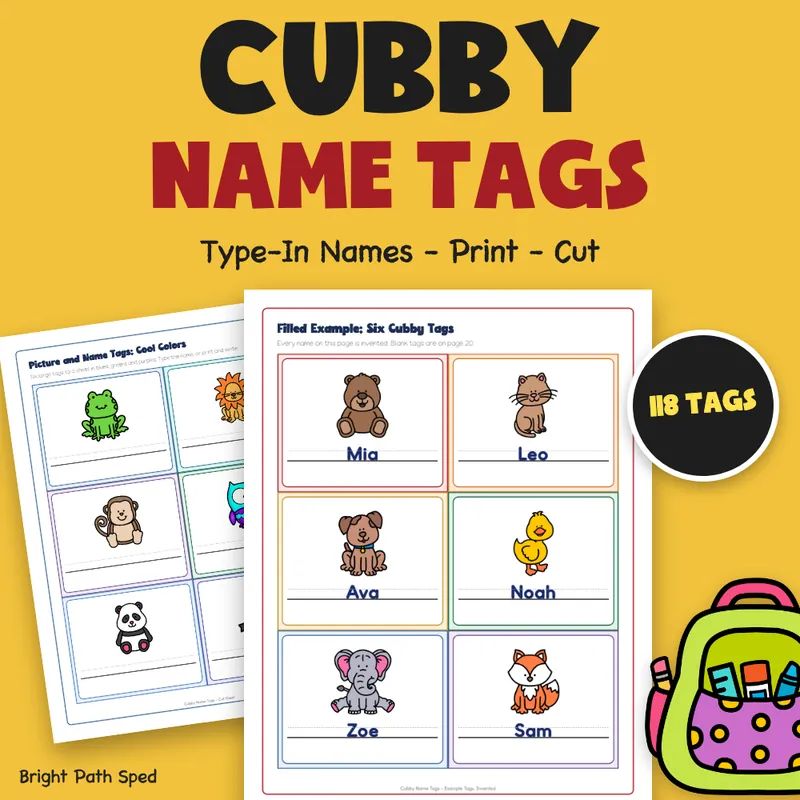
Cubby name tags that are ready to type, print and cut. Click a name box and type each child's name, or print first and write by hand. Pick picture-and-name tags, name-only tags, coat hook number tags, locker tags or a blank tag for anything else. Every tag is a rectangle, so a whole sheet is a few straight cuts.
EVERYTHING INSIDE (26 pages, 118 tags)
PICTURE AND NAME TAGS (48 tags)
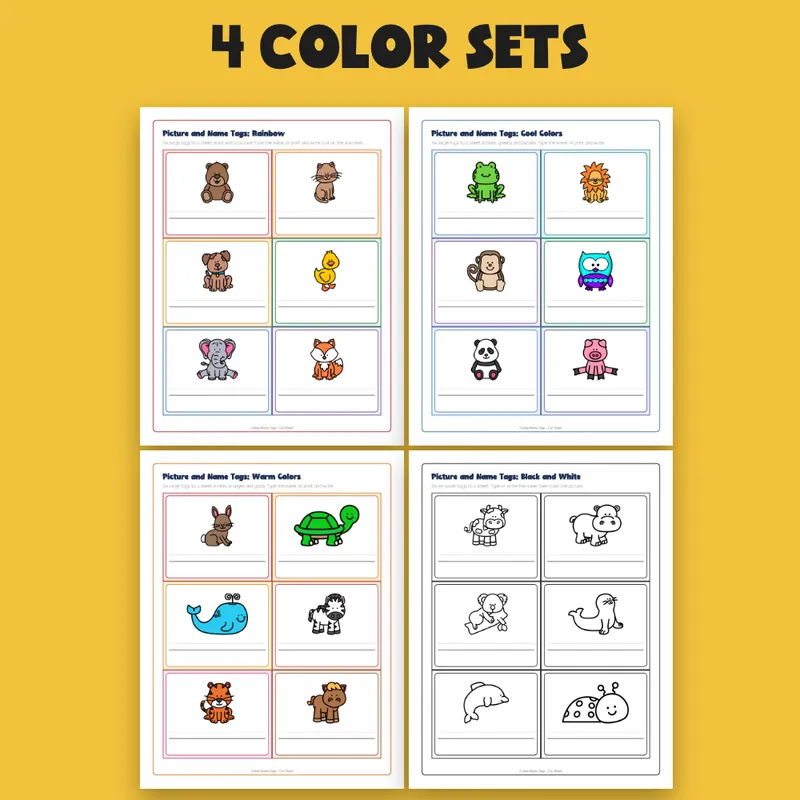
- 24 large tags, 6 to a sheet, each with a different picture: 4 sheets in rainbow, cool colors, warm colors and black and white
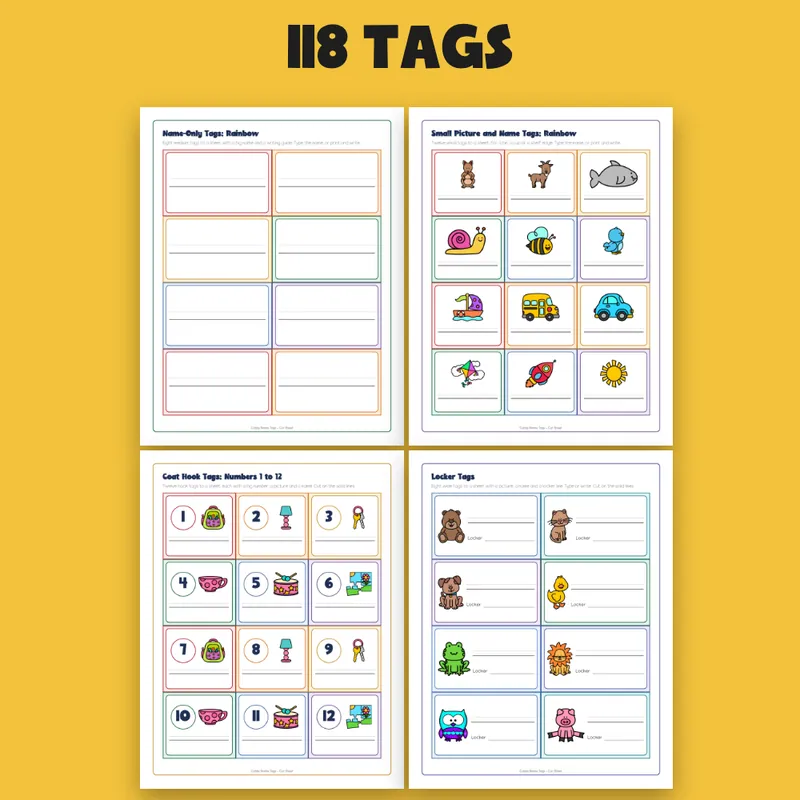
- 24 small tags, 12 to a sheet, for a bin, a cup or a shelf edge: rainbow and black and white
- Every tag has a type-in name box with a writing guide
NAME-ONLY TAGS (32 tags)
- 8 medium tags to a sheet, with a big name and a writing guide
- 4 sheets: rainbow, cool colors, warm colors and black and white
HOOKS, LOCKERS AND BLANKS (38 tags)
- 24 coat hook tags, numbers 1 to 24, each with a big number, a picture and a name box
- 8 locker tags with a picture, a name box and a locker line
- 6 blank tags to type in: a name or any label, a second line, and a box to draw or paste a picture
For The Teacher And The Class
- Start Here with a "which page, when" chooser
- Teacher directions with every tag size and the page for each color set
- A cut guide: sheet diagrams and the number of straight cuts for each tag size
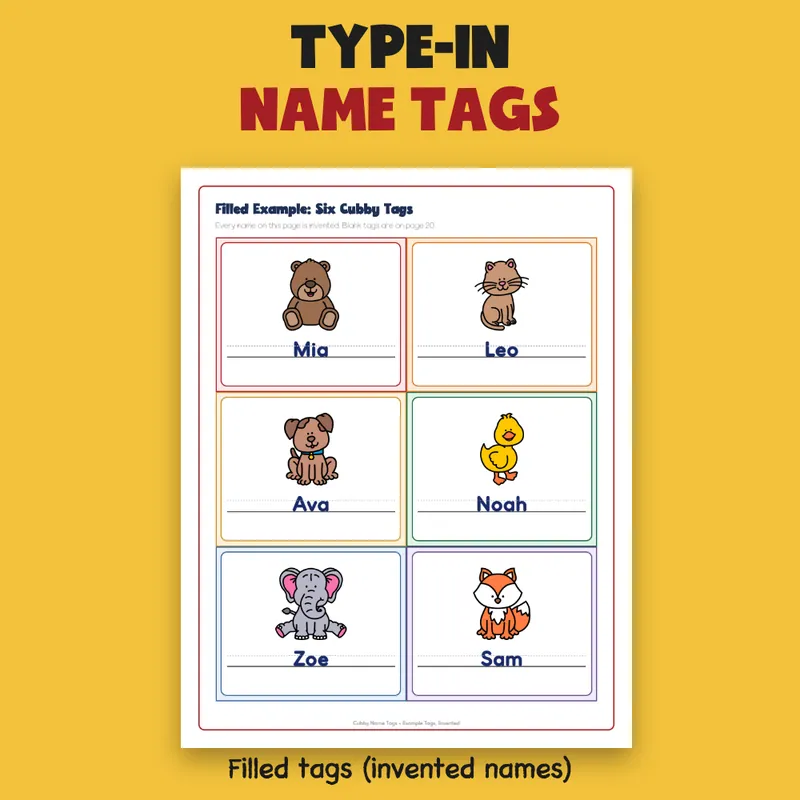
- A filled example: 6 tags for 6 invented students, names typed in
- 2 student pages: pick my picture, and find my cubby
- A class tag tracker with 20 rows
- A words page for ways to write a name, a number or a place
- A note home about the cubby, with fill-in lines
- A credits and thank-you page with What's next
Tag Sizes
- Large picture tag: 6 to a sheet, about 3.7 by 3.0 inches
- Medium name-only tag: 8 to a sheet, about 3.7 by 2.2 inches
- Small picture tag and coat hook tag: 12 to a sheet, about 2.5 by 2.2 inches
- Locker tag: 8 to a sheet, about 3.7 by 2.2 inches
- Blank tag: 6 to a sheet, about 3.7 by 3.0 inches
How To Use It
1. Pick the tags you need. The Start Here page tells you which page to use.
2. Click a name box and type, or print first and write by hand. Save a typed copy under a new name for each class.
3. Print at 100 percent, on paper or cardstock. Cut on the solid lines.
4. Hold a tag up to the cubby to check the fit, then stick it on with tape, a glue stick or a clear pocket. Laminate first if the tags stay up all year.
What This Is, And What It Is Not
It is a fillable PDF: click a name box and type, or print and write. It is NOT a slide deck or a document file. Typed names appear in a plain sans-serif font that your PDF reader supplies. It prints in color or in black and white. Pictures are clip art from Whimsy Clips and Educlips. There are no characters and no brand names. Your school's rule about names on cubbies is a blank line for you to write, or to leave blank. Every student in the examples is invented, and the page says so.
Who This Is For
Preschool to 3rd grade teachers and aides who want every cubby, hook and locker named, and a quick way to add a new child after winter break. One classroom license.