Escape Room Template
- 32 pages
- 1st, 2nd, 3rd, 4th, 5th
- PDF, fillable
$2.25 $4.50 on Teachers Pay Teachers
Half the Teachers Pay Teachers price. The same PDF, sold direct.
DownloadOr get it with All-Access: pick any 20 resources a month for $7.
New here? Your first month of All-Access is half off with code TEACHERTOK
Already bought this, or a member?
Instant download. One teacher's license: colleagues need their own copy. Each file carries a license number.
Also on Teachers Pay Teachers: see the Bright Path Sped store
About this resource
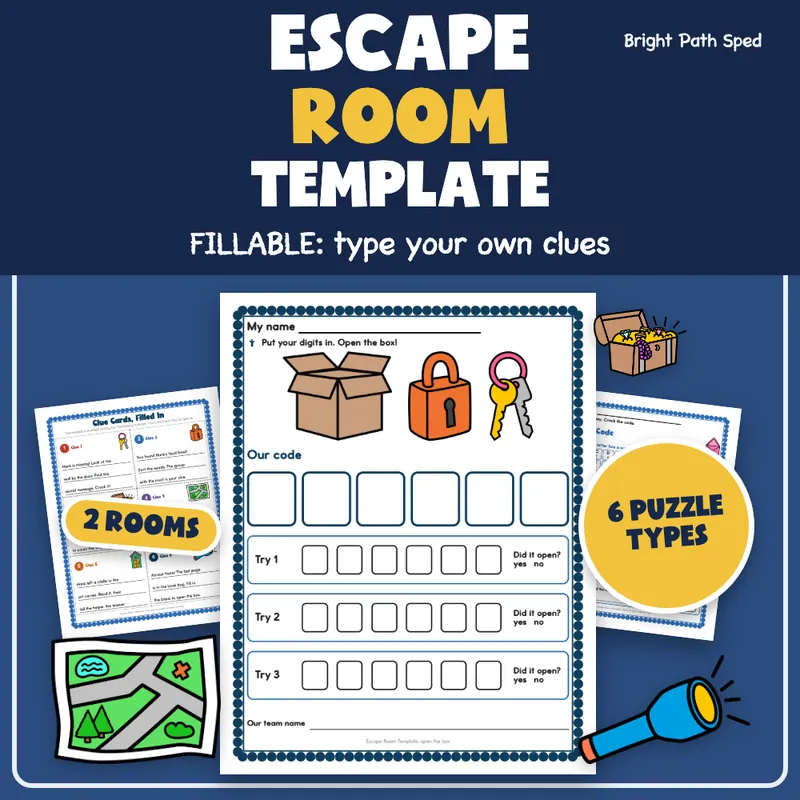
Build a classroom escape room your students can hold in their hands. This Escape Room Template is a fillable PDF: type your own story, clues, hints and puzzles into the lines, print, hide the clue cards and let teams crack the code. It has a plan page, clue cards, hint cards, a lock and code sheet, six puzzle shapes for two rooms and answer keys, plus a worked example room so you can see how six puzzles turn into one six-digit code.
What Is Included
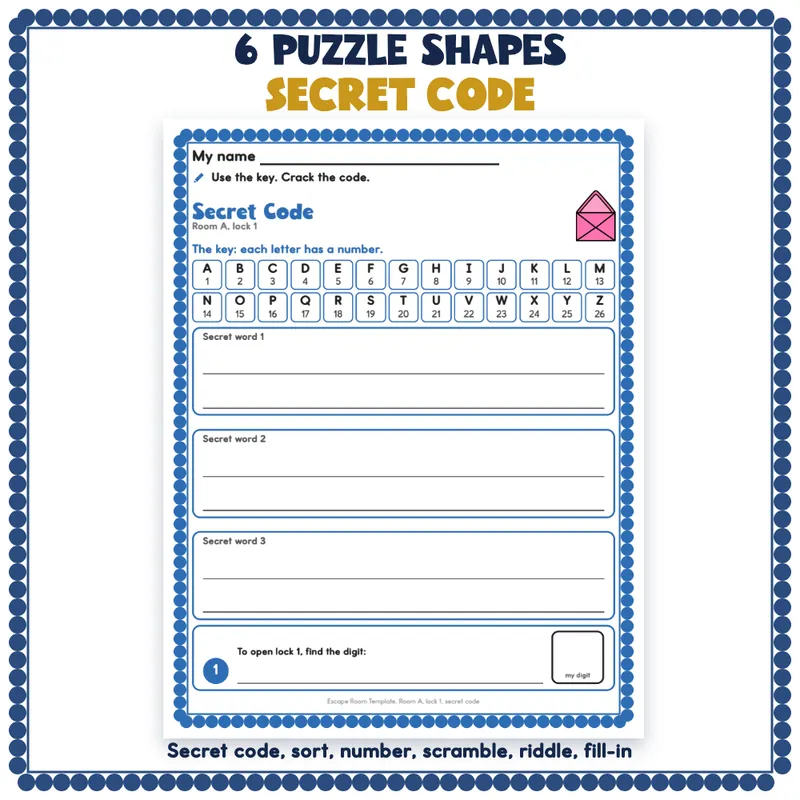
- 12 puzzle pages for two rooms (6 for Room A and 6 for Room B): a secret code with a letter key, a sort, a missing number, a word scramble, a riddle and a fill-in
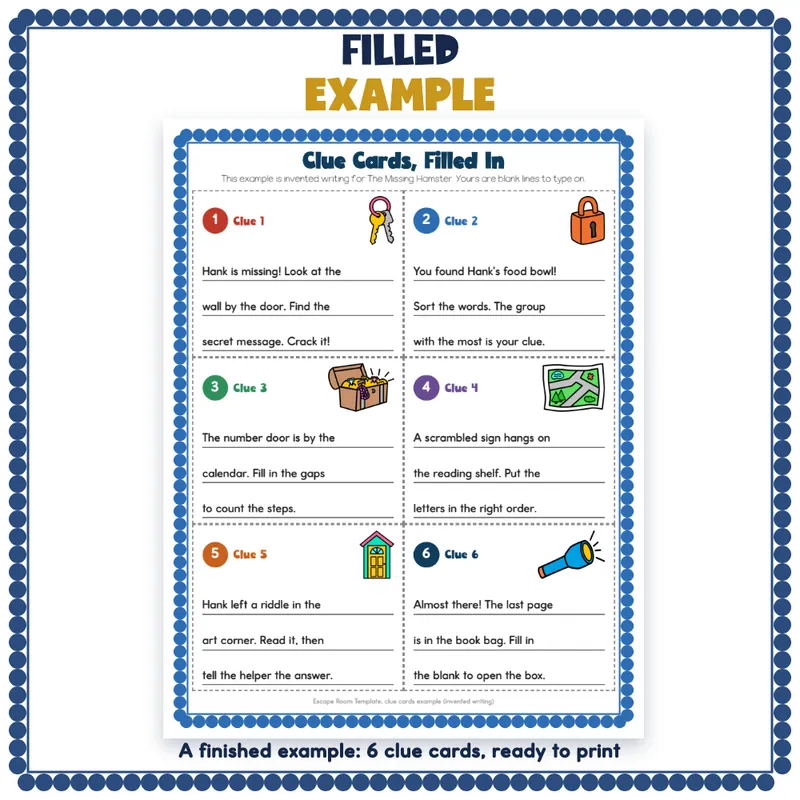
- 12 clue cards on 2 sheets and 6 hint cards, with 3 type-in lines on each clue card and 2 on each hint card
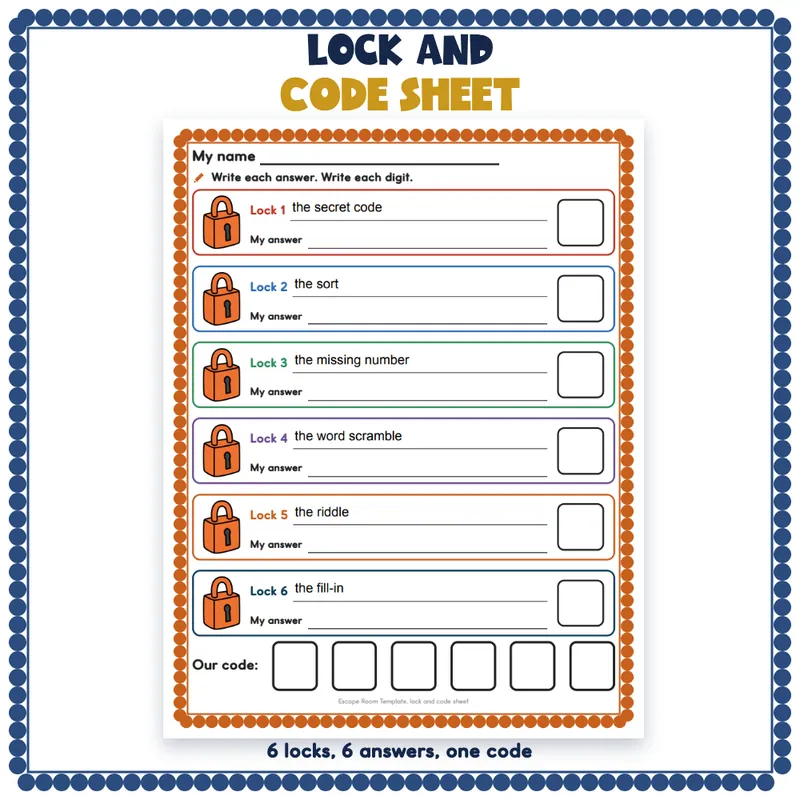
- A mission letter for children to read first, a lock and code sheet with 6 locks, a code door page with 3 tries, a passport with 6 stamps to color and a certificate
- A plan page for you, 2 answer keys (one per room) and a note home
- A worked example room, The Missing Hamster, with invented writing: a plan table for 6 locks and a code, and a page of filled clue cards
- 12 clue starters and 12 room themes
- A Start Here page, a how-to page, a What's Next page and a credits page
- 32 pages in all, 16 of them pages a child works on; 234 type-in lines
How To Use It
1. Open the file in a PDF reader that fills forms, such as the free Adobe Acrobat Reader.
2. Look at the example room, then type your story and plan. Type a puzzle on each puzzle page and the answers on the key. Save a copy under a new name so the blank file stays blank.
3. Print the pages children use. Print the clue cards on card stock, trim them and hide them around the room.
4. Hand each team a mission letter, a lock sheet and a passport. Children write their answers by hand, put the six digits into the code door page and open the box.
What This Is, And What It Is Not
It is a printable fillable PDF with type-in lines, and it prints on letter paper. The headings, pictures and digit boxes are printed, and children write their answers by hand on printed lines. A long sentence is cut off at the end of its line. Some web browsers show the fields but do not save what you type, so use a PDF reader app and save your copy. It is not Google Slides, Docs or PowerPoint, and it has no timers or digital locks: the lock is a real box or lock you supply, or the code door page. You decide each puzzle's content and how to find its digit.
Who This Is For
Teachers, paraprofessionals, tutors and homeschool families who want a hands-on review game for any topic in grades 1 to 5. Special education teachers can type short clues and hints, use the pictures on the clue cards and keep each puzzle to one skill.