Report Card Template Editable
- 23 pages
- Not Grade Specific
- PDF, fillable
$1.75 $3.50 on Teachers Pay Teachers
Half the Teachers Pay Teachers price. The same PDF, sold direct.
DownloadOr get it with All-Access: pick any 20 resources a month for $7.
New here? Your first month of All-Access is half off with code TEACHERTOK
Already bought this, or a member?
Instant download. One teacher's license: colleagues need their own copy. Each file carries a license number.
Also on Teachers Pay Teachers: see the Bright Path Sped store
About this resource
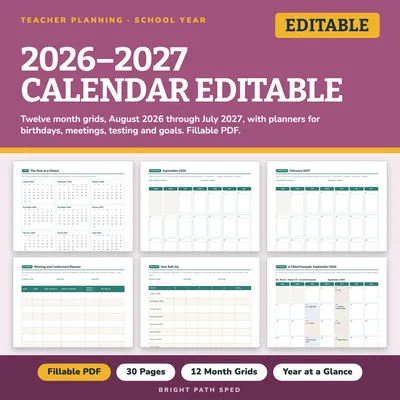
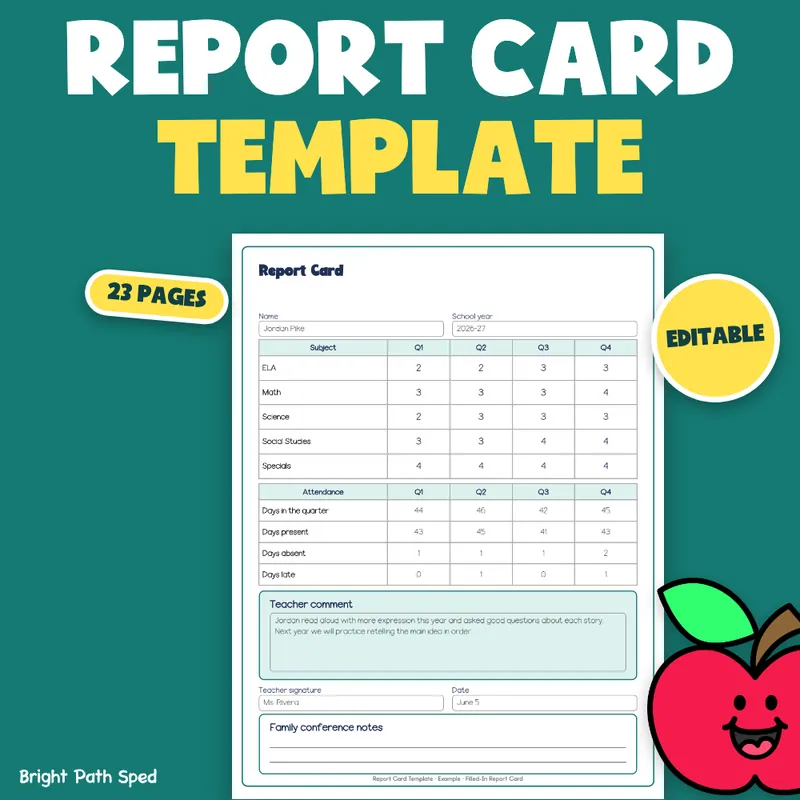
Quarter-end comes with a grade for every subject and a sentence for every student. This editable PDF gives you the report card, the skill checklists behind it, a grading key you word yourself, and a phrase bank so the comment lines are quick to write.
EVERYTHING INSIDE (23 pages)
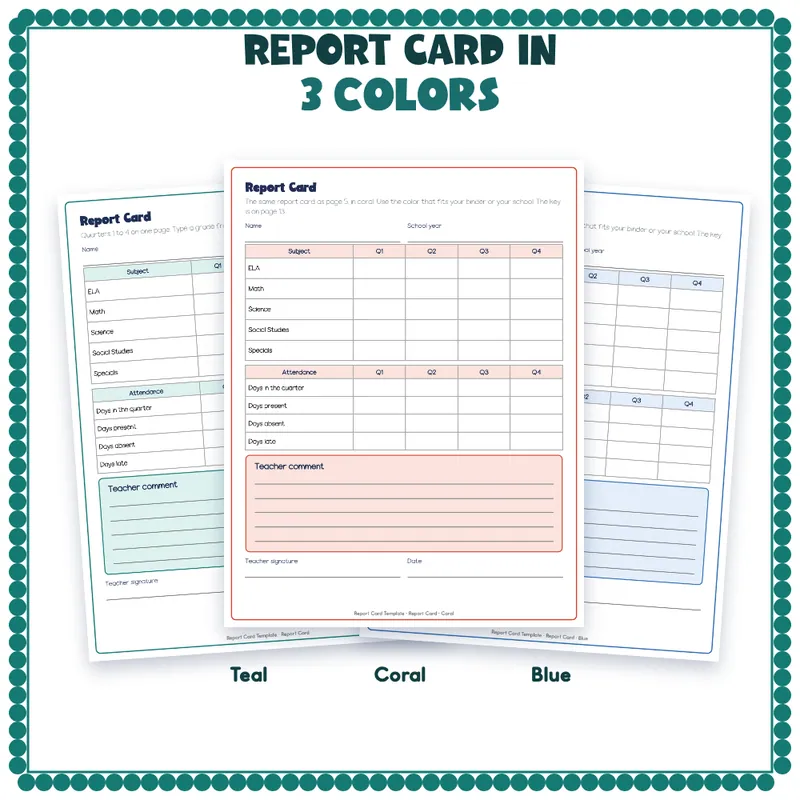
- A report card with quarters 1 to 4 on a single sheet: 5 subjects (ELA, Math, Science, Social Studies, Specials), four attendance counts, a teacher comment, a signature and a date. In 3 colors: teal, coral and blue (pages 5 to 7), so you can match your binder or your school.
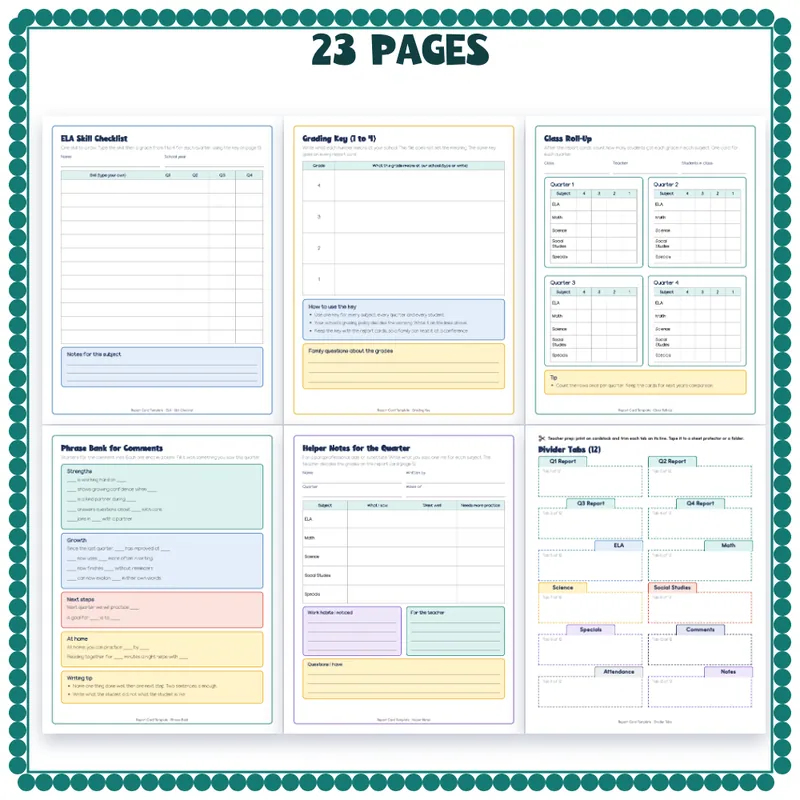
- 5 subject skill checklists (ELA, Math, Science, Social Studies, Specials), 12 blank skill rows each, a grade box for each of 4 quarters. You type your own skills.
- A grading key, 1 to 4, with a blank line for what each number means at your school.
- An attendance and work-habits page: 4 attendance counts and 8 blank work-habit rows for each quarter.
- A class roll-up with 4 quarter cards, to count how many students got each grade in each subject.
- A family comments page: a comment line for each of the 5 subjects, next steps and a family reply.
- A phrase bank of 13 comment starters in 4 groups (strengths, growth, next steps, at home), each ending in a blank.
- Helper notes for the quarter: a sheet for a paraprofessional, aide or substitute to write what they saw in each subject, for the teacher to read. The teacher still decides the grades.
- A binder set: a binder cover with a spine label, and 12 divider tabs (Q1 to Q4 report, the 5 subjects, Comments, Attendance and Notes).
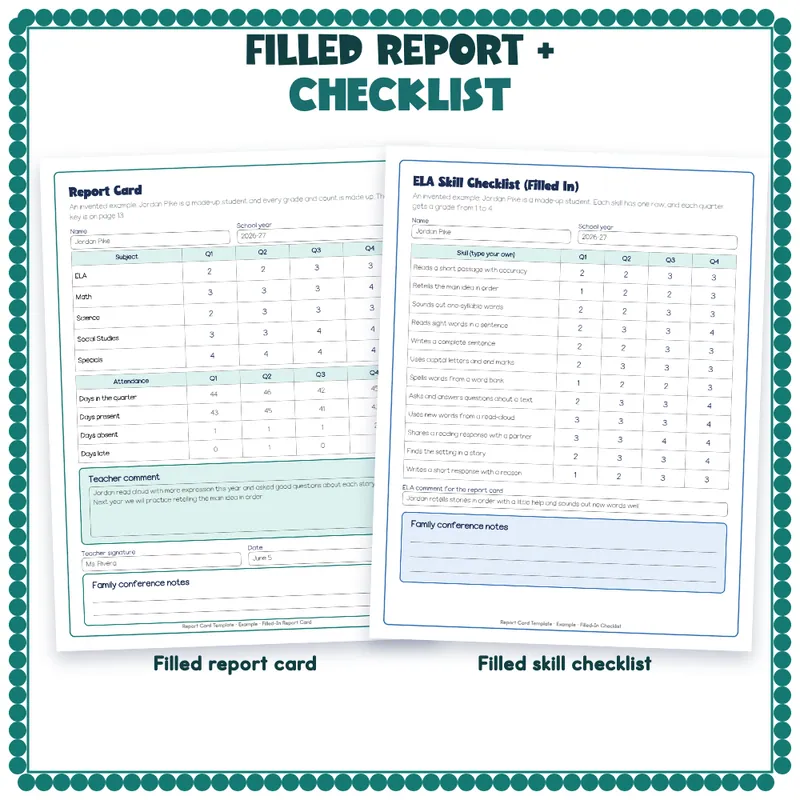
- A filled-in example with an invented student: a completed report card and a completed ELA checklist, each with a box for family conference notes.
- Start Here, how-to, the terms of use, and a thank-you page with credits.
How To Edit
Open the PDF in Adobe Acrobat Reader, Preview or your browser. Click a line, a box or a table cell and type. Save As to keep a clean blank copy. 675 type-in fields in all. This is a fillable PDF, not a slide deck, so there is nothing to ungroup or unlock.
Print Tips
Print on letter paper at 100 percent. Every line and box is dark, so the pages photocopy in black and white. Print the binder cover, spine and tabs on cardstock.
Student Records Stay Private
Not A Policy Or A State Report Card
This is a set of forms. It does not set a grading policy, copy any state wording or list standards. You choose the skills and the words. Start Here has a blank line for your school's grading rule, and the grading key leaves the meaning of each number blank.
Who This Is For
Classroom teachers, special education and resource room teachers, and the aides and substitutes who help them.
What This Is, And What It Is Not
A set of forms and a roll-up. The example student, grades and counts are invented and labeled that way on the page.