Sensory Break Room Log Editable
- 20 pages
- Not Grade Specific
- PDF, fillable
$3.00
DownloadOr get it with All-Access: pick any 20 resources a month for $7.
New here? Your first month of All-Access is half off with code TEACHERTOK
Already bought this, or a member?
Instant download. One teacher's license: colleagues need their own copy. Each file carries a license number.
Also on Teachers Pay Teachers: see the Bright Path Sped store
About this resource
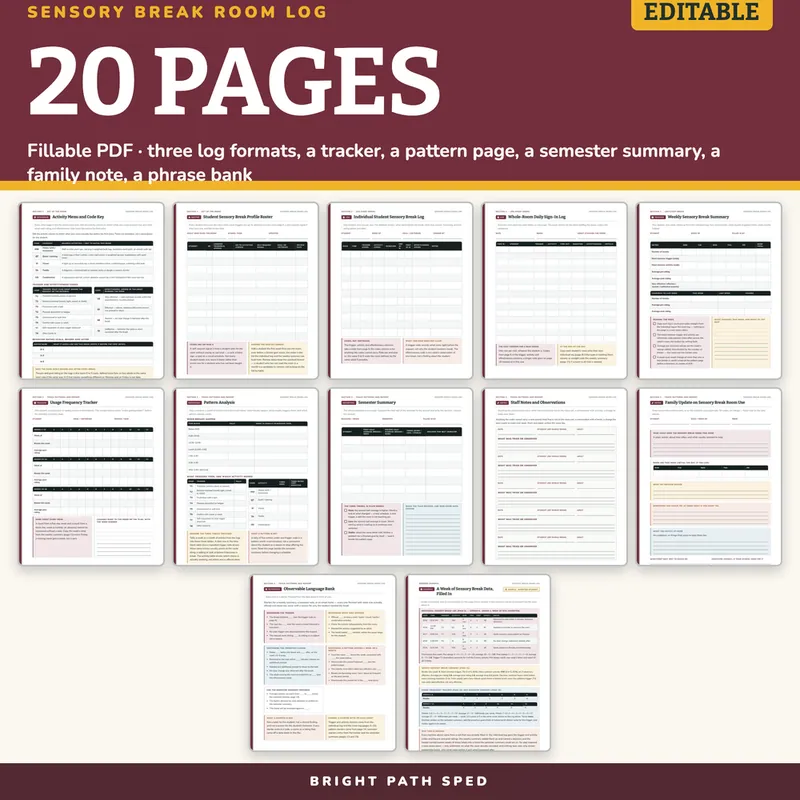
WHAT IS INCLUDED - 20 pages, 633 type-in fields
Set Up The Room
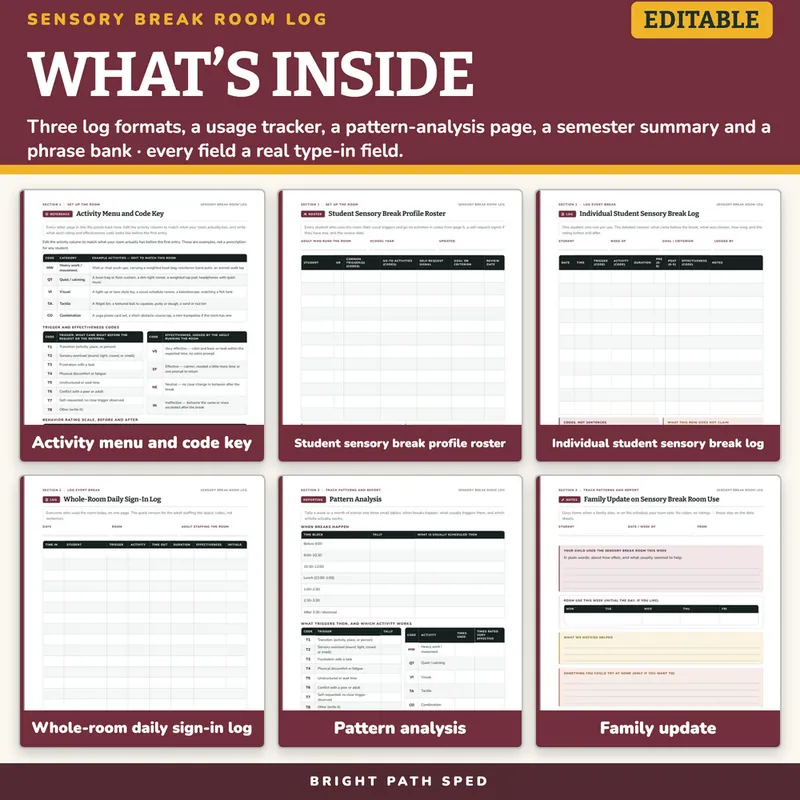
- Activity Menu and Code Key - five activity categories (heavy work, quiet, visual, tactile, combination) with example activities to edit to what the room actually has, eight trigger codes, four effectiveness codes, and a three-band behavior rating scale the team defines before the first entry
- Student Sensory Break Profile Roster - 12 rows: common triggers and go-to activities in codes, a self-request signal, a goal, a review date
Three Log Formats
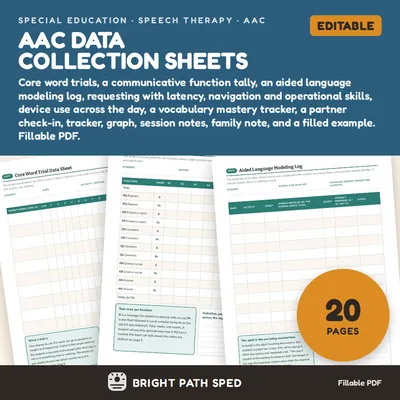
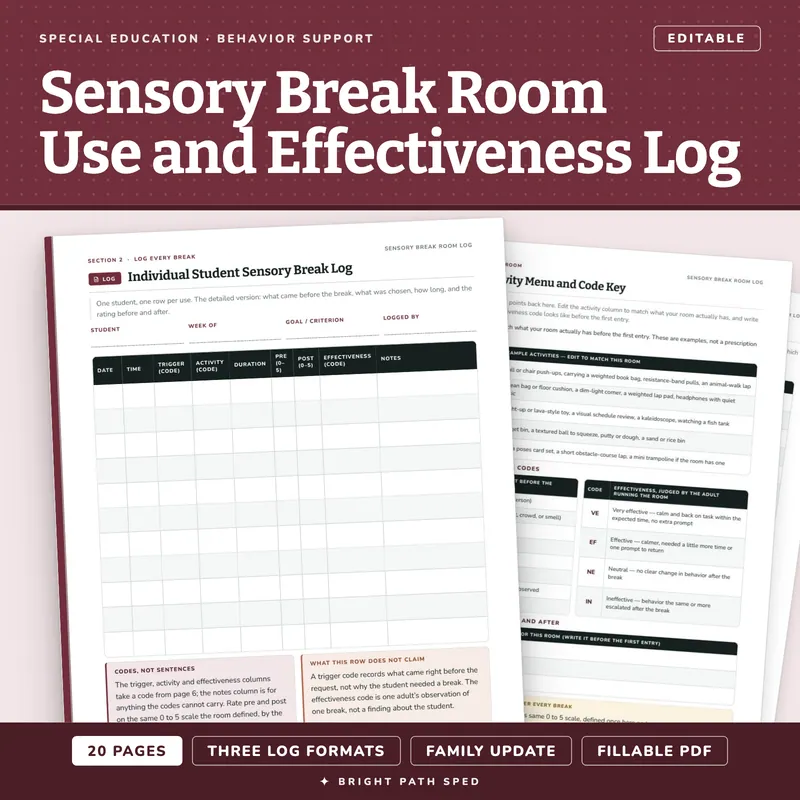
- Individual Student Sensory Break Log - 11 rows, one student across days: date, time, trigger code, activity code, duration, pre and post rating, effectiveness code, notes
- Whole-Room Daily Sign-In Log - 15 rows, the quick version for a busy room with several students in one day
- Weekly Sensory Break Summary - six metrics (breaks, most common trigger, most common activity, average pre and post rating, effectiveness counts) across the school week plus a week-over-week comparison table
Track Patterns And Report
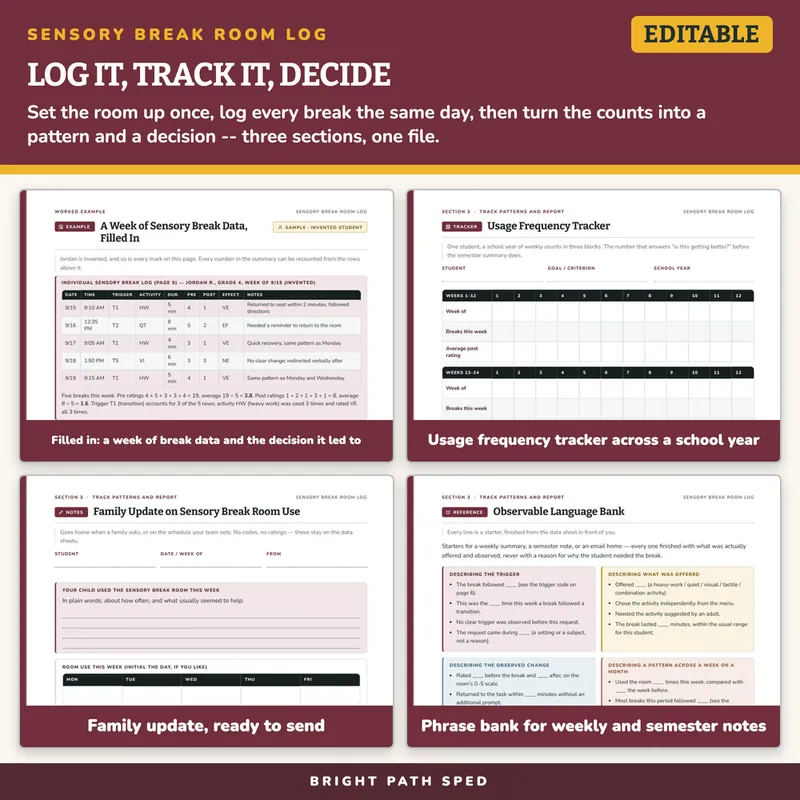
- Usage Frequency Tracker - 36 weeks in three 12-week blocks, one student
- Pattern Analysis - three tally tables: seven time-of-day blocks, all eight trigger codes, all five activity codes with an effectiveness count
- Semester Summary - eight caseload rows comparing the first half of the semester to the second, with a trend (more / less / stable) and a decision
- Staff Notes and Observations - five open blocks for anything the codes cannot carry
- Family Update on Sensory Break Room Use - a ready-to-send note with a five-day initial table
- Observable Language Bank - 21 starters across five groups, for a weekly summary, a semester note, or an email home
- A filled-in example for an invented fourth grader: a week of five logged breaks, the weekly summary computed from them, and a semester trend computed from twelve weeks of tracker data
What This Is, And What It Is Not
It is a fillable PDF. Open it in a PDF reader, click a line, a box or a cell, type, and Save As once per student or per building. It works offline with no account or subscription. It is NOT a Google Sheets file, a Google Doc or an Excel workbook, and it does not total the columns or plot anything for you.
It is not a therapy program and not a prescribed sensory diet. The activity menu lists common room equipment as examples for the team to edit, never as a recommendation for a given student. Nothing here says which activity a student should use, why a break was needed, or what counts as a label or a condition; the trigger code records what came right before the request, not a reason. No health data is pre-filled, and the example student is invented and named as such.
Who This Is For
Special education teachers, school counselors, social workers and paraprofessionals who staff a sensory break room or a calm-down space, and the team that reviews whether it is working.