Assistive Technology Inventory and Maintenance Log Editable
- 18 pages
- Not Grade Specific
- PDF, fillable
$3.00
DownloadOr get it with All-Access: pick any 20 resources a month for $7.
New here? Your first month of All-Access is half off with code TEACHERTOK
Already bought this, or a member?
Instant download. One teacher's license: colleagues need their own copy. Each file carries a license number.
Also on Teachers Pay Teachers: see the Bright Path Sped store
About this resource
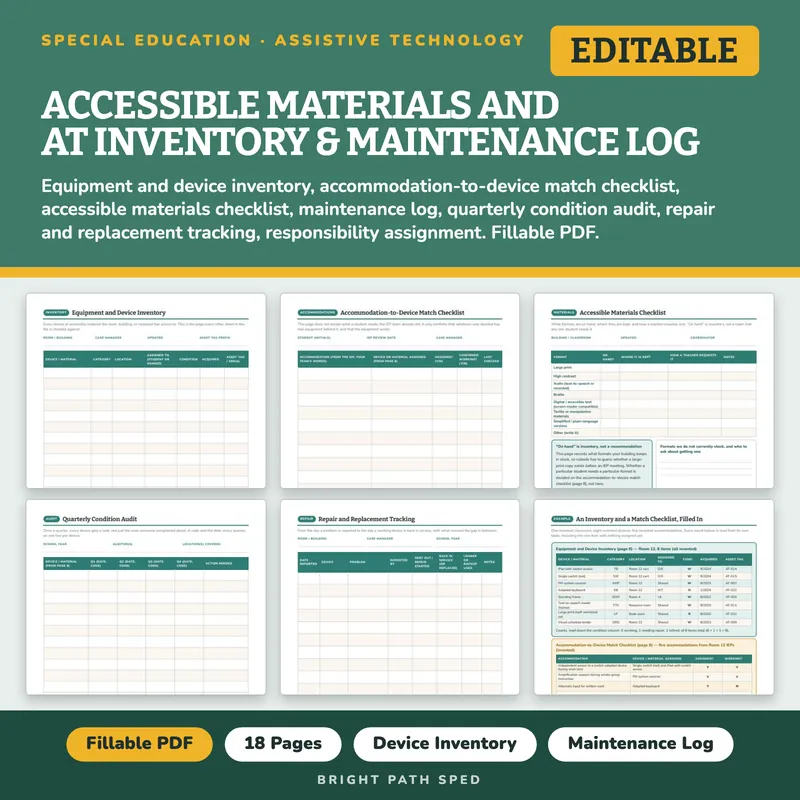
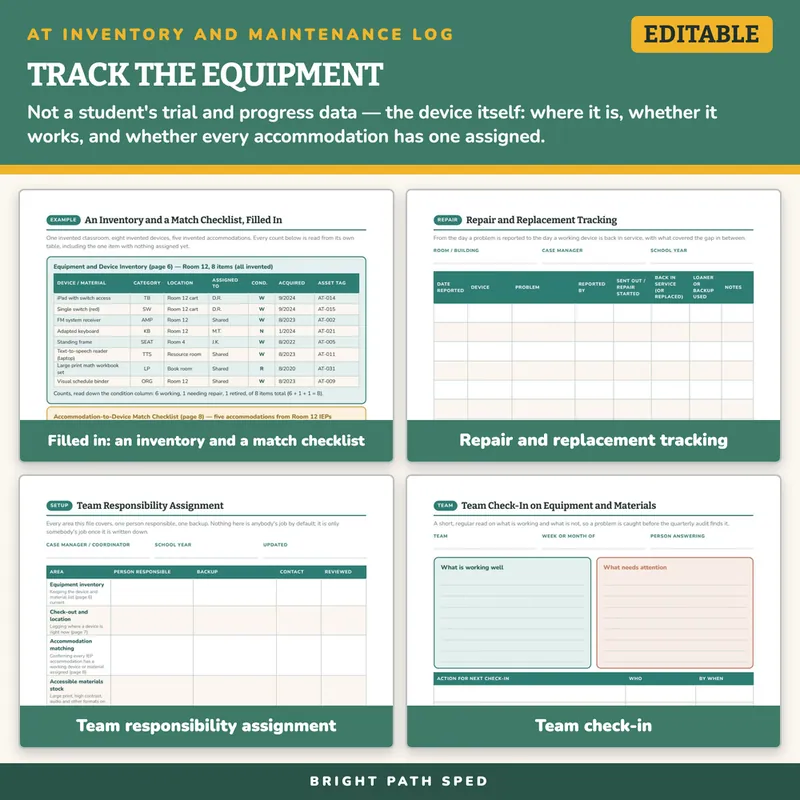
Somebody asks whether the classroom still has a working large-print copy of the math workbook, or whether the switch that goes with Device X actually got fixed, and nobody can answer without walking to three rooms. This is the equipment side of assistive technology, in one fillable PDF: a team responsibility assignment page, an equipment and device inventory, a device assignment and check-out log, an accommodation-to-device match checklist, an accessible materials checklist, a maintenance log, a quarterly condition audit, a repair and replacement tracker, a vendor and warranty record, a training log, a communication and equipment request log, a team check-in, and a filled example. It is not a student's data sheet — it never asks what a student is doing with a device, only whether the device exists, where it is, and whether it works.
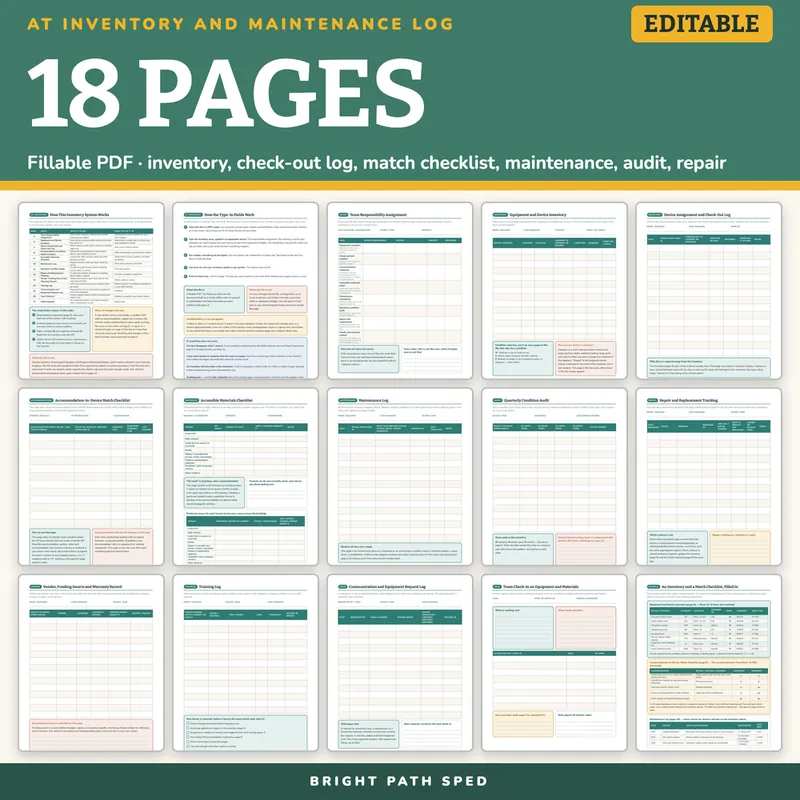
WHAT IS INCLUDED - 18 pages, 1,010 type-in fields
Setup
- How This Inventory System Works - a 13-row table (page, sheet, what it is for, when to fill it in), the order for the week before school, what changes mid-year, and what this file is not
- How the Type-In Fields Work - one page, so nobody emails you
- Team Responsibility Assignment - 8 areas (inventory, check-out, accommodation matching, materials stock, maintenance, quarterly audit, repair, vendor/training), each with a person responsible, a backup, a contact and a review date
Inventory
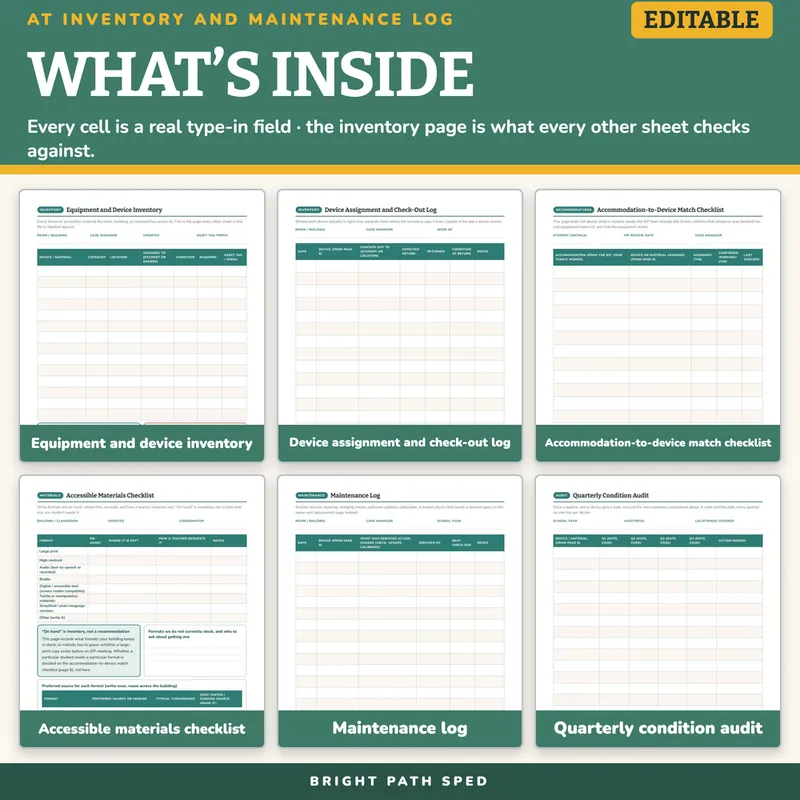
- Equipment and Device Inventory - 14 rows: device or material, category, location, who it is assigned to, condition (working / needs repair / retired), acquired date, asset tag; the three-code condition key every other page reuses
- Device Assignment and Check-Out Log - 15 rows: date, device, checked out to, expected return, returned, condition at return, notes
Accommodations And Materials
- Accommodation-to-Device Match Checklist - 12 rows: the accommodation in the team's own words, the device or material assigned, whether it is assigned, whether it is confirmed working, and when it was last checked - it does not decide what a student needs; it confirms the team's own decision has real equipment behind it
- Accessible Materials Checklist - 8 formats (large print, high contrast, audio, braille, digital/accessible text, tactile materials, plain-language versions, other), each with on-hand status, storage location and how to request it, plus an 8-row preferred-source table for the same 8 formats
Maintenance And Repair
- Maintenance Log - 16 rows: date, device, what was serviced, serviced by, next check due
- Quarterly Condition Audit - 15 rows across four quarter columns, one line per device for the whole year
- Repair and Replacement Tracking - 13 rows: date reported, device, problem, reported by, sent out, back in service, loaner used, notes
What This Is, And What It Is Not
It is a fillable PDF. Open it in a PDF reader, click a line, a box or a cell, type, press Tab to move on, and Save As as equipment changes. It works offline with no account or subscription. It is NOT a Google Sheets file, a Google Doc or an Excel workbook, and it does not track a purchase order or calculate a budget.
It is not the Assistive Technology Evaluation and Progress Monitoring Sheets: that file is a student's own record of trying and progressing with a device. This file is the equipment's record — whether it exists, where it is, and whether it works. It is not a purchasing system (no prices appear anywhere in this file) and it does not state what any student needs; the accommodation-to-device match checklist only confirms whether a decision the IEP team already made has working equipment behind it. It does not state a procurement rule or a disposal policy; your district's policy gets a blank line to write it on.
Who This Is For
Special education case managers, OT and PT specialists, and paraprofessionals responsible for the assistive technology and accessible materials a caseload or a building has access to; teams who already track the schedule (Paraprofessional Schedule and Zone Plan Editable) or a student's device-trial progress (Assistive Technology Evaluation and Progress Monitoring Sheets Editable) and now need the equipment side; and anyone tired of a quarterly audit turning into a room-by-room search.
If You Want More
This file tracks the equipment. For a student's own communication-device data, see AAC Data Collection Sheets Editable. For a student's own trial and progress using a device, see Assistive Technology Evaluation and Progress Monitoring Sheets Editable — a different record from this one, not a substitute for it. For the paraprofessional schedule this inventory's devices get used inside, see Paraprofessional Schedule and Zone Plan Editable.
You might also need
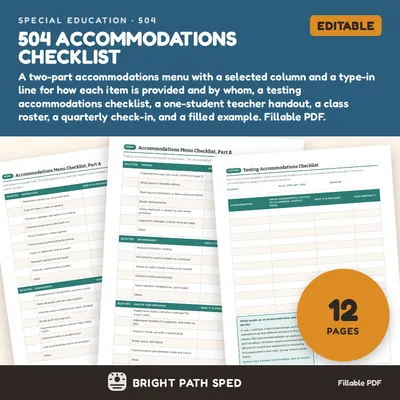
504 Accommodations Checklist Editable
$3.00 or with All-Access
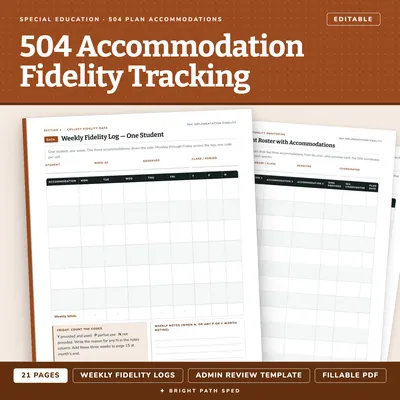
504 Plan Accommodation Implementation Fidelity Data Collection Editable
$3.50 or with All-Access
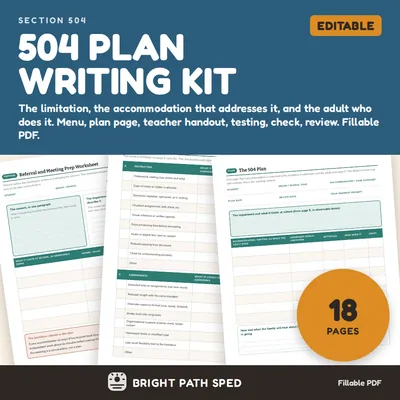
504 Plan Template Accommodations Checklist Teacher Handout
$5.00 or with All-Access
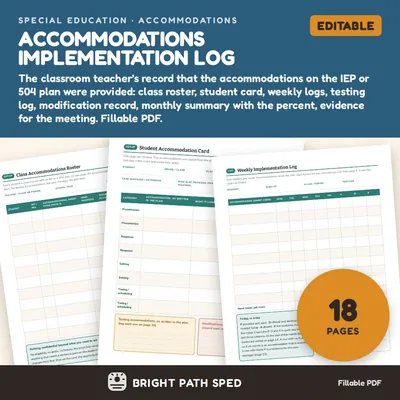
Accommodations Implementation Log Editable
$5.00 or with All-Access