Center Rotation Chart Editable
- 17 pages
- Not Grade Specific
- PDF, fillable
$1.75 $3.50 on Teachers Pay Teachers
Half the Teachers Pay Teachers price. The same PDF, sold direct.
DownloadOr get it with All-Access: pick any 20 resources a month for $7.
New here? Your first month of All-Access is half off with code TEACHERTOK
Already bought this, or a member?
Instant download. One teacher's license: colleagues need their own copy. Each file carries a license number.
Also on Teachers Pay Teachers: see the Bright Path Sped store
About this resource
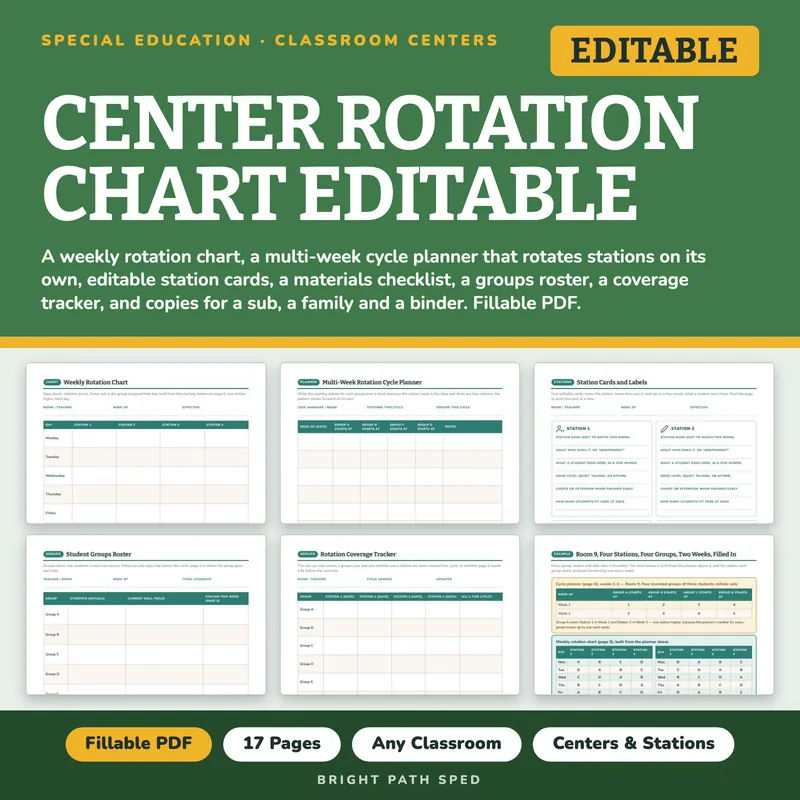
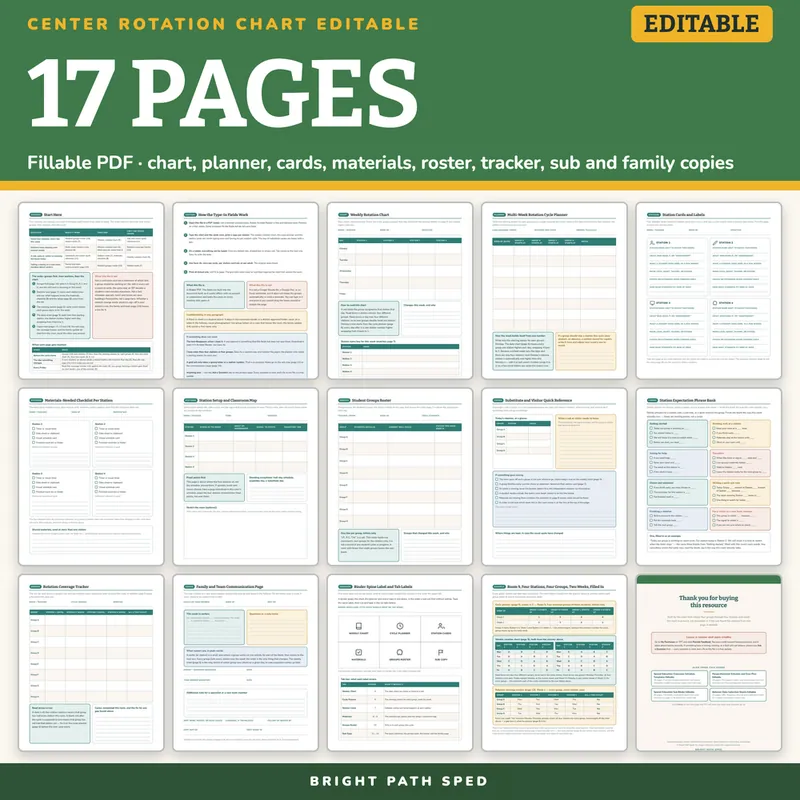
WHAT IS INCLUDED - 17 pages, 298 type-in fields
Setup
- Start Here - a chooser that matches your situation (same stations all week, a multi-week cycle, a sub covering today, telling a family or a new team member) to the pages it needs, the build order, and what this file is not
- How the Type-In Fields Work - one page, so nobody emails you
The Rotation Itself, In Three Forms
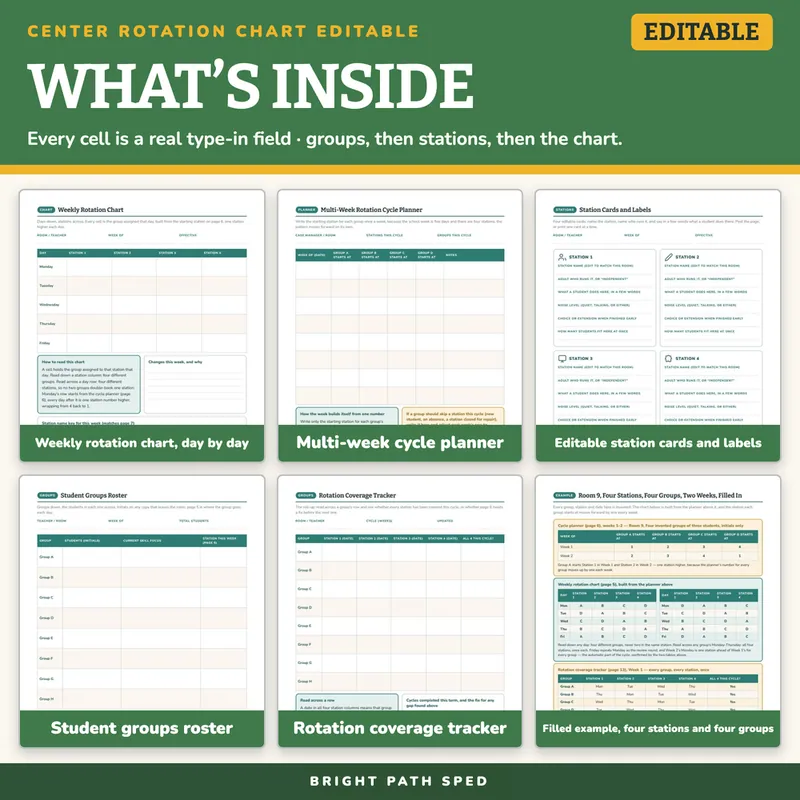
- Weekly Rotation Chart - five days by four stations, plus a station-name key; every cell is the group assigned that day
- Multi-Week Rotation Cycle Planner - eight weeks by four groups: write only the starting station, and the week builds itself because a five-day week and four stations never divide evenly
- Station Cards and Labels - four editable cards (name, adult or independent, what happens there, noise level, choice or extension when finished early, how many students fit)
Stations And Groups
- Materials-Needed Checklist Per Station - four common items checked at every station, room to add more, and a shared-materials card for what travels between stations
- Station Setup and Classroom Map - where each station sits, who runs it, the signal to rotate, the transition time, and a blank sketch box for the room
- Student Groups Roster - eight group rows: students by initials, current skill focus, and the station that group starts at this week
- Rotation Coverage Tracker - the roll-up: eight group rows by all four stations, so a gap shows before the next cycle starts
Copies For Other Hands
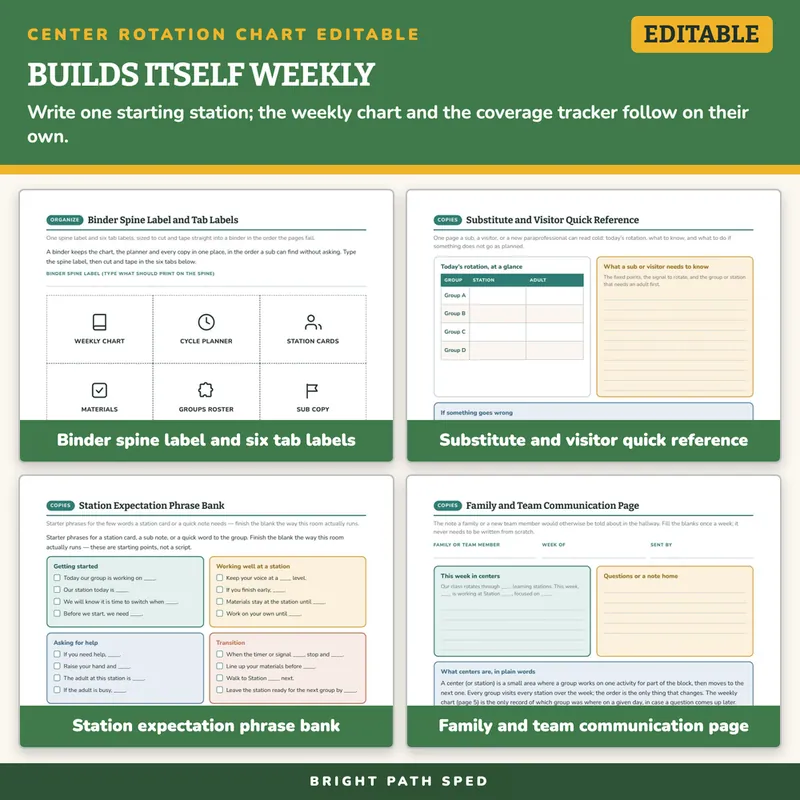
- Substitute and Visitor Quick Reference - today's rotation at a glance, what a sub needs to know, what to do if something goes wrong, and where things are kept
- Station Expectation Phrase Bank - 28 observable-language starter phrases across eight groups (getting started, working well, asking for help, transition, choice and extension, a sub note, finishing a rotation, a visitor or new team member)
- Family and Team Communication Page - the note a family or a new team member would otherwise be told about in the hallway, with blanks for this week's station and focus
- Binder Spine Label and Tab Labels - one spine-label field and six marked, cut-and-tape tab labels, plus a tab key naming what each one covers
- A filled-in example: four invented groups, four stations, two weeks, with the cycle planner, the weekly chart for both weeks, and the coverage tracker all cross-checked against each other
What This Is, And What It Is Not
It is a fillable PDF. Open it in a PDF reader, click a line or a box, type, press Tab to move on, and Save As once per cycle. It works offline with no account or subscription. It is NOT a Google Sheets file, a Google Doc or an Excel workbook, and it does not rotate the groups automatically or send a reminder - the weekly chart has to be typed or written in from the cycle planner.
It is not a curriculum and not a statement of which skill a group should be working on at a station: the skill in every cell is yours to write. It is not a bell schedule or a master classroom schedule (that is the companion Classroom Schedule Templates file, linked on the back page). It is not a caseload or student-data tracker: every roster here holds one classroom's own groups for the rotation only, and it carries no student health information. Whether a rotation change needs anyone's sign-off is your district's rule, and there is a line to write it on.
Who This Is For
Special education and general education teachers who run small-group or station rotations, the paraprofessionals and related-service providers who cover a station, and anyone handing a sub, a visitor, or a new team member one page that explains where everyone is supposed to be.
You might also need
10 Fat Turkeys Book Companion November Preschool Kindergarten 1st 2nd Special Ed
$2.50 $5.00 on TPT
504 Accommodations Checklist Editable
$1.50 $3.00 on TPT
504 Plan Accommodation Implementation Fidelity Data Collection Editable
$1.75 $3.50 on TPT
504 Plan Template Accommodations Checklist Teacher Handout
$2.50 $5.00 on TPT