Favorite Things Questionnaire
- 17 pages
- Not Grade Specific
$1.50 $3.00 on Teachers Pay Teachers
Half the Teachers Pay Teachers price. The same PDF, sold direct.
DownloadOr get it with All-Access: pick any 20 resources a month for $7.
New here? Your first month of All-Access is half off with code TEACHERTOK
Already bought this, or a member?
Instant download. One teacher's license: colleagues need their own copy. Each file carries a license number.
Also on Teachers Pay Teachers: see the Bright Path Sped store
About this resource
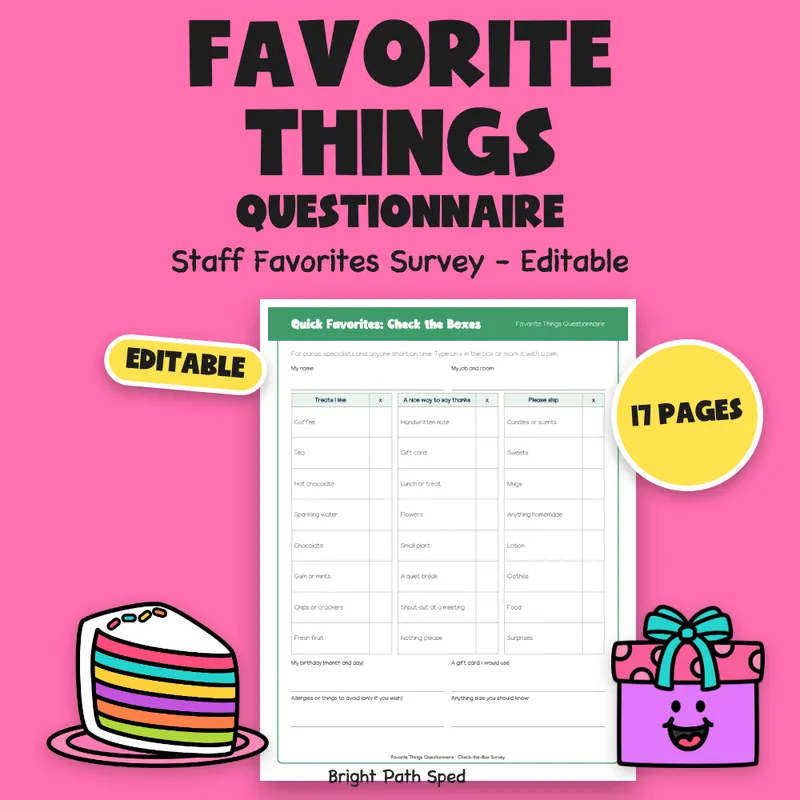
Favorite things questionnaire for staff gifts, ready to type on or print. This is 17 pages: a full-page survey, a check-the-box version, a short half-page card, a note to send with it, a team roster, a birthday-month page, two gift trackers, an appreciation week planner and a filled example. Hand it to teachers, paras and specialists, then keep what comes back in one place.
EVERYTHING INSIDE (17 pages)
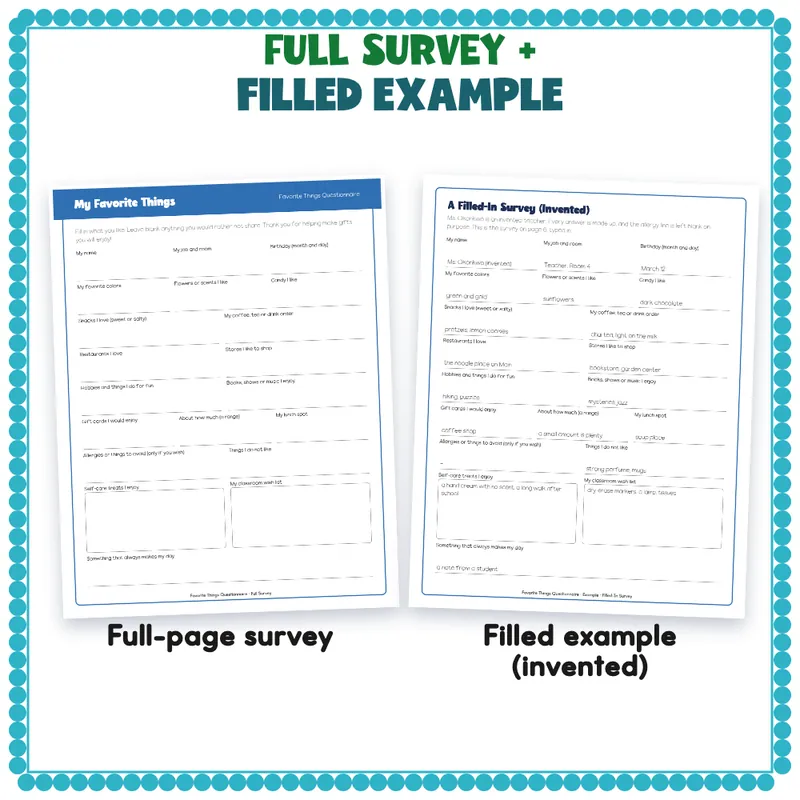
- A full-page survey with 20 prompts: name, job and room, birthday, colors, flowers and scents, candy, snacks, drink order, restaurants, stores, hobbies, books shows and music, gift cards, about how much, lunch spot, allergies or things to avoid (a blank line, only if the person wishes), things I do not like, self-care treats, classroom wish list, and what makes my day.
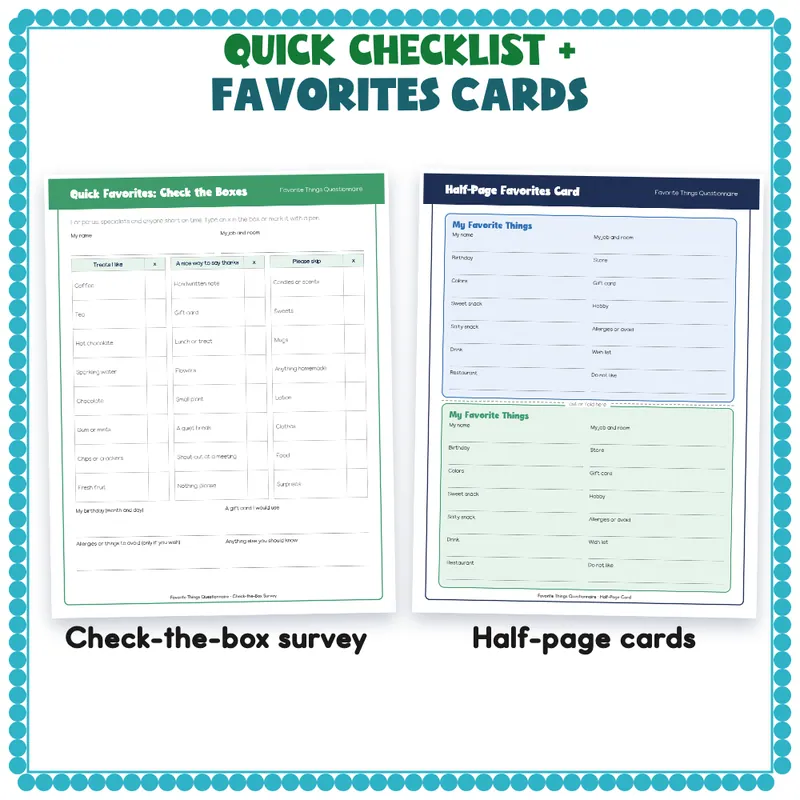
- A check-the-box survey with 24 quick choices (treats, ways to say thanks, and things to skip) for paras and specialists who are short on time.
- A short half-page card, 2 to a page, with 12 favorites plus name and job. Cut or fold it and tuck it in a mailbox.
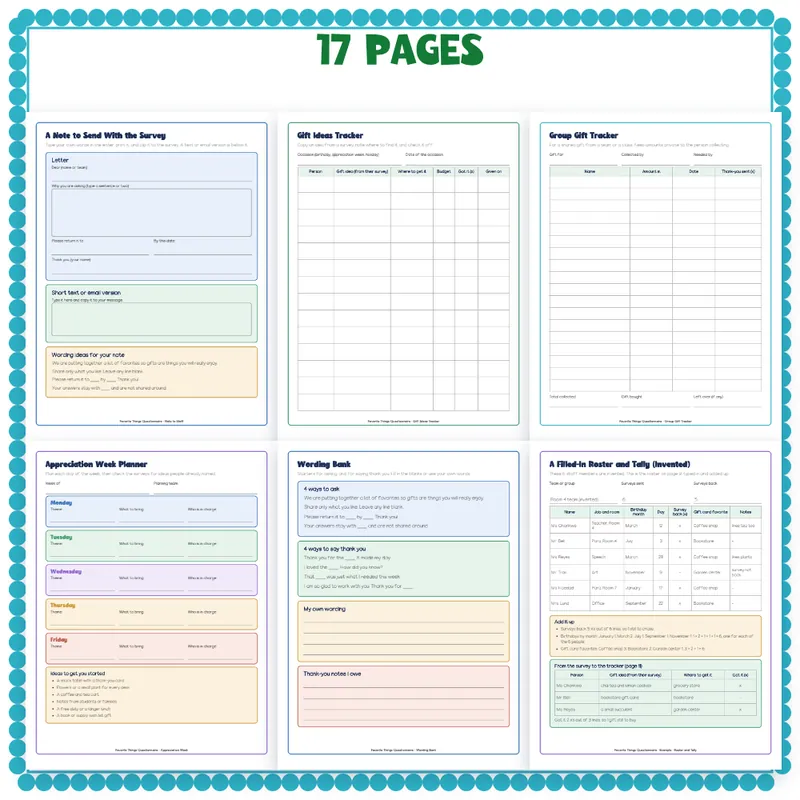
- A note to send with the survey: a letter with blanks, a short text or email box, and 4 wording ideas.
- A team roster and tally with 16 lines.
- Birthdays by month: 12 month boxes with room for names.
- A gift ideas tracker with 14 lines (idea, where to get it, got it, given on).
- A group gift tracker with 18 lines for a shared gift.
- An appreciation week planner with 5 days.
- A wording bank with 4 ways to ask and 4 ways to say thank you.
- A filled-in survey and a filled-in roster, tally and gift tracker for invented staff, with the counts added up on the page.
- Start Here, how to use it with a team or class, the terms of use, and a thank-you page with credits.
How To Edit
Open the PDF in Adobe Acrobat Reader, Preview or your browser. Click a line or a table cell and type. Save As to keep your list for next year. 458 type-in fields in all. This is a fillable PDF, not a slide deck, so there is nothing to ungroup or unlock. You can also print any page and write by hand.
How To Use It With A Team Or Class
Print one survey per person and hand them out at a meeting, or clip the note to each one. Copy the answers onto the roster and the birthday pages as they come back. Use the gift ideas tracker for each occasion and the group gift tracker when a team or class gives one gift together.
Keep It Private
Who This Is For
Teachers, room parents, team leads, office staff and anyone who plans birthday gifts or teacher appreciation week for a grade-level team, a special education team or a whole staff.
What This Is, And What It Is Not
A set of forms. It does not grade, score or label anyone. The example teacher and staff are invented and labeled that way on the page.