IEP At A Glance Editable Fillable PDF
- 22 pages
- PDF, fillable
$5.00
DownloadOr get it with All-Access: pick any 20 resources a month for $7.
New here? Your first month of All-Access is half off with code TEACHERTOK
Already bought this, or a member?
Instant download. One teacher's license: colleagues need their own copy. Each file carries a license number.
Also on Teachers Pay Teachers: see the Bright Path Sped store
About this resource
Type it once. Update it in seconds. Print it whenever you need it.
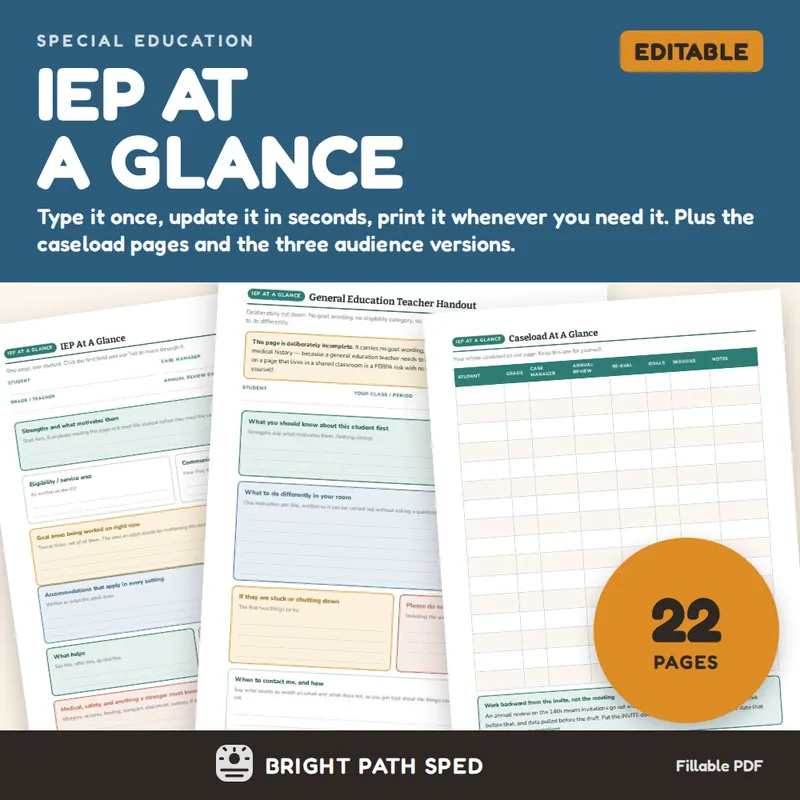
This is the editable, fillable-PDF version of the IEP At A Glance snapshot — one page per student, with every line and every box a real type-in field. It also adds the four caseload pages and the three audience versions that the free print-only version does not have.
An IEP at a glance is not a summary for you. It is a briefing for somebody else — the sub on a Tuesday, the para in week three, the speech therapist who has your student for forty minutes and has never opened the IEP. This pack is built for that reader, and built so that keeping it current takes two minutes instead of a re-copy.
WHAT IS INCLUDED - 22 pages, fillable
Student Pages
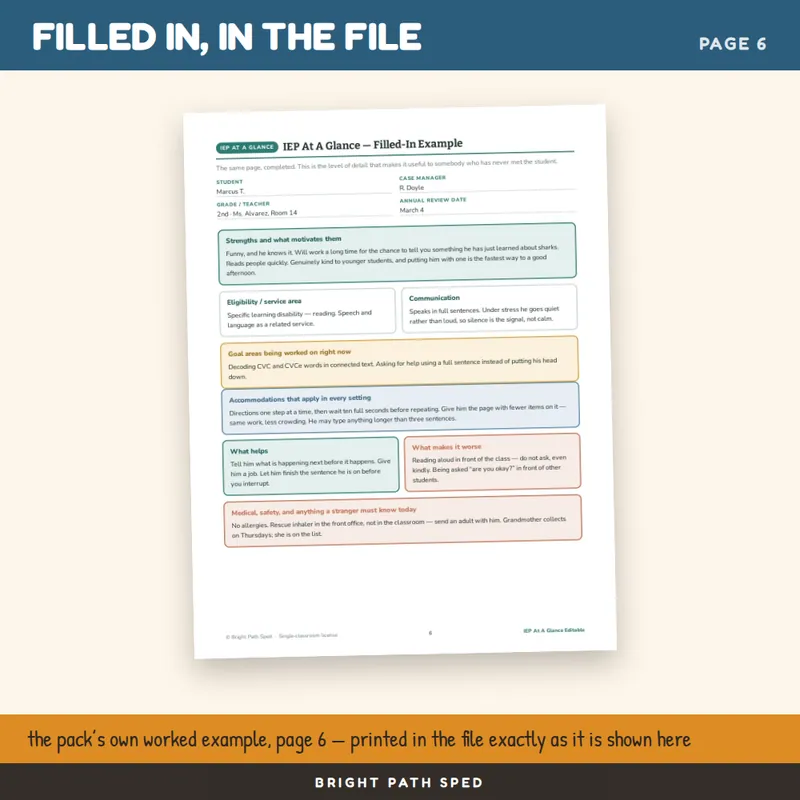
- IEP At A Glance, one full page per student. Strengths first, then eligibility, communication, current goals, accommodations, what helps, what makes it worse, and medical or safety information a stranger has to know today.
- The same page FILLED IN. A blank form does not teach anybody how much detail to write. A completed one does it instantly.
- A compact two-students-per-page version for a clipboard or a specialist's folder.
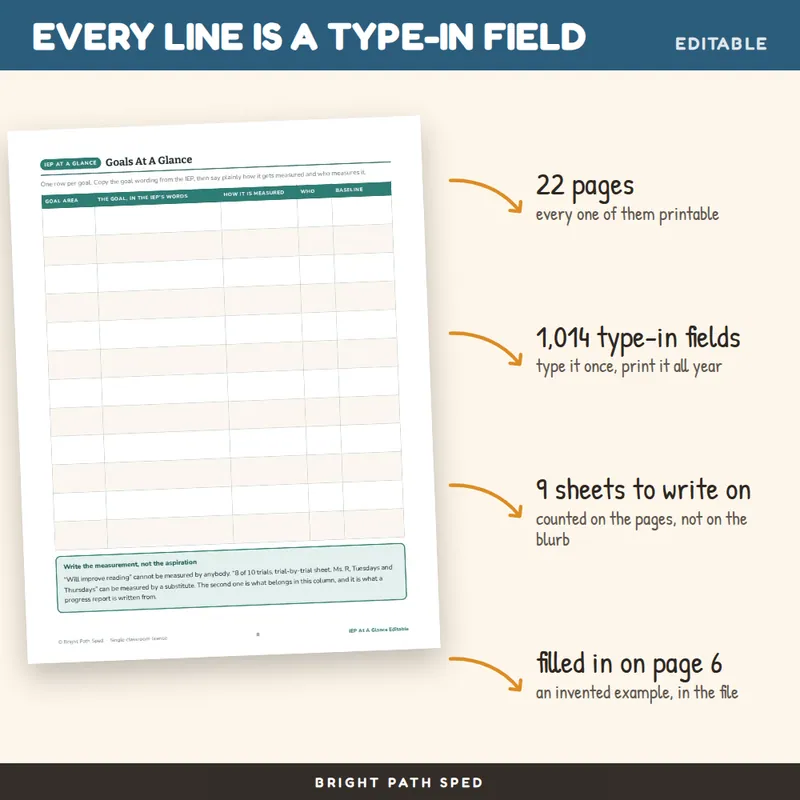
- Goals At A Glance and Accommodations At A Glance, when one line each is not enough room.
- When It Goes Sideways - the behavior page a substitute will actually reach for, including what it looks like BEFORE it escalates and what to do in numbered order.
- Services and weekly schedule, with a column for missed sessions.
- Testing and assessment accommodations, including a box for what is NOT permitted on the assessment - the one people leave blank and the one that invalidates a score.
Three Audience Versions
- A general education teacher handout that deliberately carries no goal wording, no eligibility category and no medical history. It says what to DO. Every extra confidential detail on a page that lives in a shared classroom is a risk with no upside.
- A related services and specialist snapshot, with how to start the session, how to end it, and what to send back to the classroom.
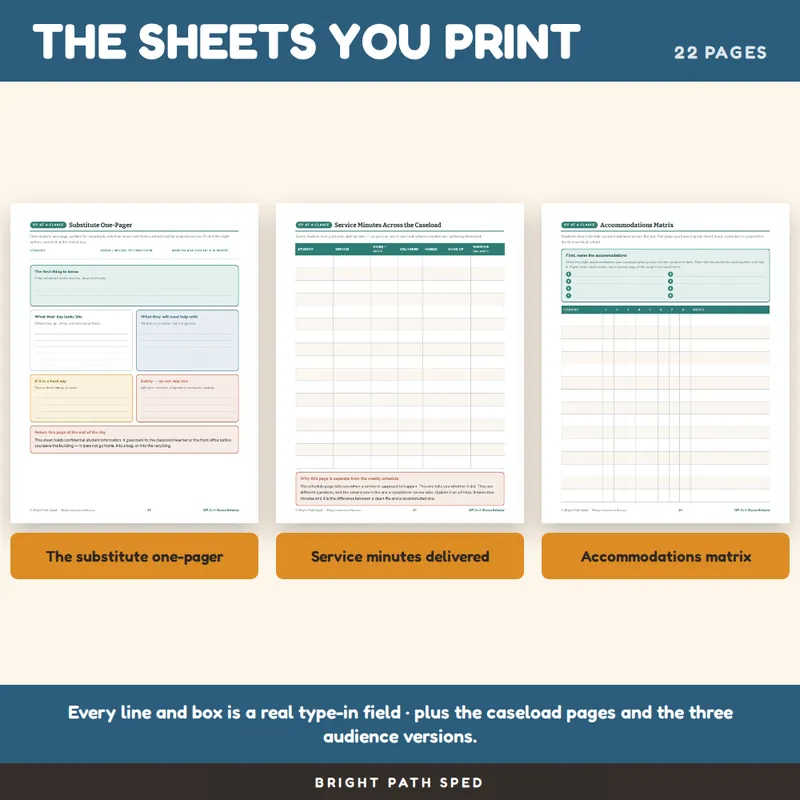
- A substitute one-pager, written for somebody who has never met the student and will not be back tomorrow, with a line telling them to hand it back at the end of the day.
Four Caseload Pages
- Caseload At A Glance - every student, every critical date, one sheet.
- Service minutes across the caseload - owed, delivered, missed, made up, running balance. The weekly schedule tells you when a service is supposed to happen; this tells you whether it did, which is the question a compliance review actually asks.
- Accommodations matrix - students down the side, accommodations across the top.
- Due dates and compliance calendar, with columns for the invite date, the draft, and the data pull, not just the legal due date.
Plus quick cards four to a page for the adults who only see the student for forty minutes.
What This File Is, Exactly
It is a fillable PDF. You open it in a PDF reader, click a line or a box, and type. Press Tab to move to the next field. Save a separate copy per student. It works offline, needs no account and no subscription, and looks the same on every machine.
It is NOT a Google Slides deck, a Google Doc, or a PowerPoint file, and it does not become one. You can type in it and print it; you cannot drag the boxes around or restyle the page. I would rather say that here than have you find out after you download it. Page 4 of the resource itself explains how the fields work, which reader behaves best, and what to do if typing does not save.
Prefer paper? Print it blank and handwrite it. Every page was designed to work that way first.
How This Differs From The Free Version
Why This One Is Different
It tells you to write what an adult should DO, not what the student cannot do. "Give the direction, then wait ten seconds" is useful to a stranger. "Poor processing speed" is not. Every box on the form is worded to push you toward the first kind.
It also says out loud what most versions of this form leave out: a completed at-a-glance sheet is protected student data under FERPA, and now that it is a file it is one drag away from a shared drive. Page 3 covers how to store it, hand it over, and destroy it.
Who This Is For
Special education teachers, case managers, resource and self-contained rooms, life skills, early intervention, related-service providers, and anybody who has ever handed a substitute a binder and hoped.
You might also need
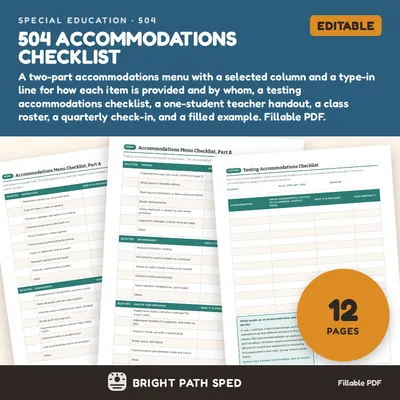
504 Accommodations Checklist Editable
$3.00 or with All-Access
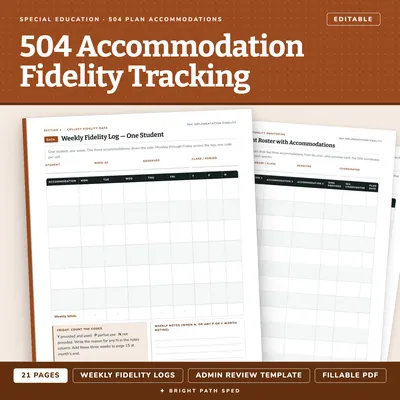
504 Plan Accommodation Implementation Fidelity Data Collection Editable
$3.50 or with All-Access
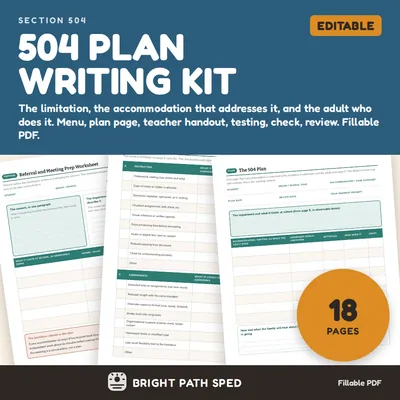
504 Plan Template Accommodations Checklist Teacher Handout
$5.00 or with All-Access
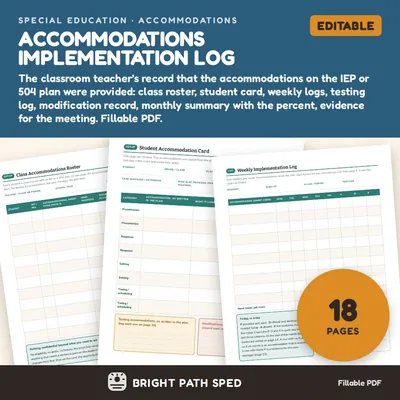
Accommodations Implementation Log Editable
$5.00 or with All-Access