IEP Goal Progress Graphs Editable
- 18 pages
- Not Grade Specific
- PDF, fillable
$4.00
DownloadOr get it with All-Access: pick any 20 resources a month for $7.
New here? Your first month of All-Access is half off with code TEACHERTOK
Already bought this, or a member?
Instant download. One teacher's license: colleagues need their own copy. Each file carries a license number.
Also on Teachers Pay Teachers: see the Bright Path Sped store
About this resource
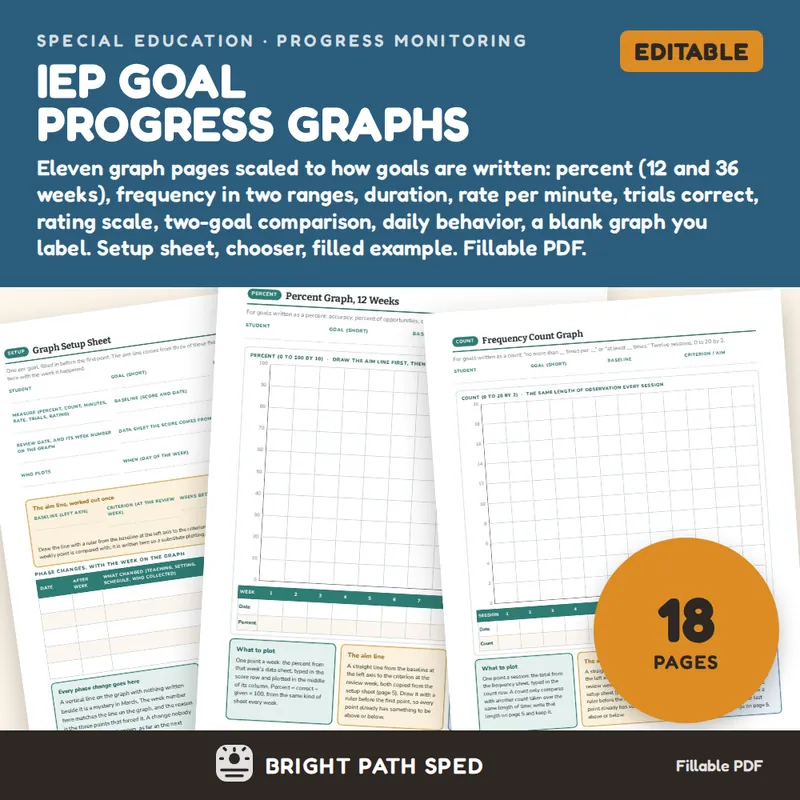
Every IEP goal ends up as a line on a graph, and every graph in a data folder is a different shape. This is one fillable PDF with a graph page for each way a goal can be measured: percent, frequency count in two ranges, duration in minutes, rate per minute, trials correct out of ten, a rating scale, a two-goal comparison, a daily behavior count, and a blank grid you label yourself. Under every grid the date and score rows are type-in cells; the points are plotted by hand with a pen and a ruler. A setup sheet holds the baseline, criterion and aim line, a chooser matches the goal's wording to the page, and a filled example shows the three-point rule forcing a decision.
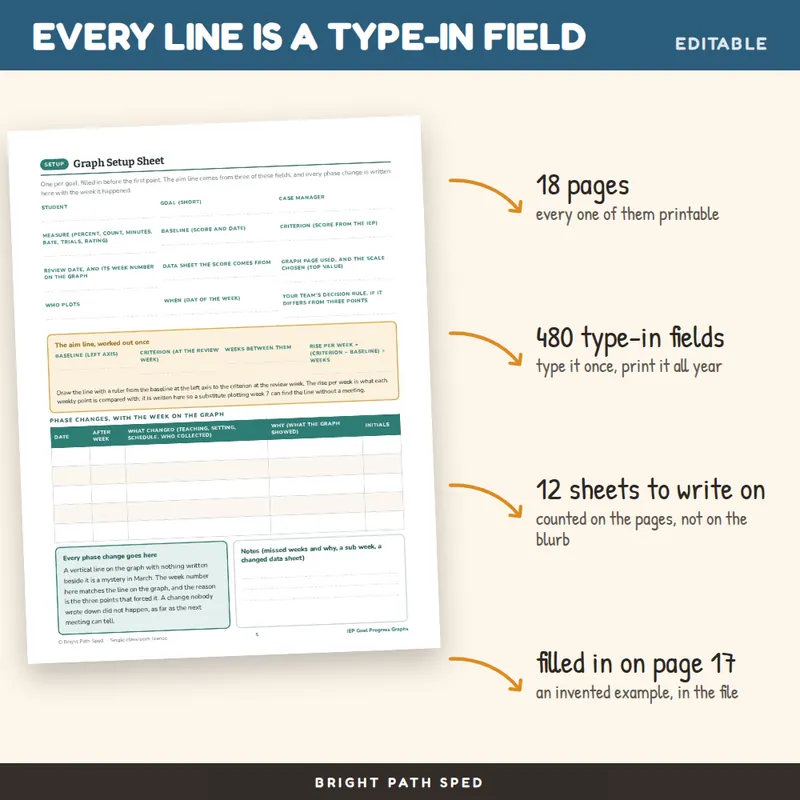
WHAT IS INCLUDED - 18 pages, 480 type-in fields
Setup
- Which Graph for Which Goal - ten rows that match the measure in the goal to the graph page, the three rules for reading a graph (aim line first, three points, phase change line), and a table of how the paper moves each week
- How the Type-In Fields Work - one page, so nobody emails you
- Graph Setup Sheet - twelve fields (student, goal, measure, baseline, criterion, review date, data sheet, graph page and scale, who plots, when, your team's decision rule), the aim line worked out once in four blanks, and a five-row phase change log with the week number on the graph
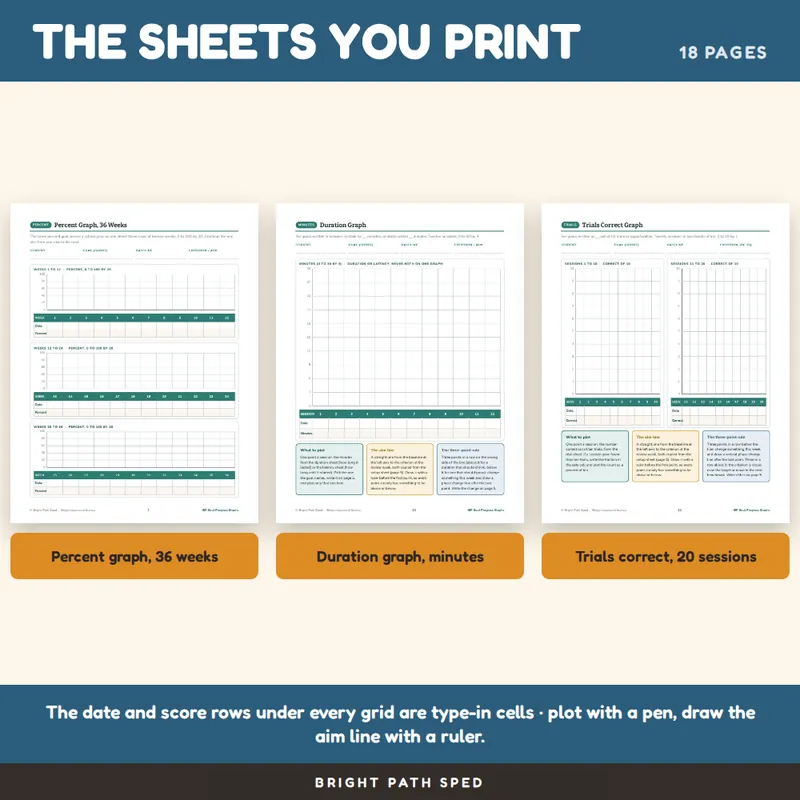
ELEVEN GRAPH PAGES - each with a type-in date row and score row under the grid, and three short cards: what to plot, the aim line, the three-point rule
- Percent Graph, 12 Weeks - 0 to 100 by 10
- Percent Graph, 36 Weeks - three rows of twelve weeks on one sheet, 0 to 100 by 20
- Frequency Count Graph - 12 sessions, 0 to 20 by 2
- Frequency Count Graph, High Range - 12 sessions, 0 to 50 by 5
- Duration Graph - 12 sessions, 0 to 30 minutes by 3
- Rate per Minute Graph - 12 sessions, 0 to 5 by 0.5
- Trials Correct Graph - 20 sessions in two blocks of ten, 0 to 10 by 1
- Rating Scale Graph - 12 sessions, 0 to 10 by 1
- Two-Goal Comparison Graph - two twelve-week percent grids on one page, for two goals or one goal in two settings
- Daily Behavior Graph - 20 school days with the weeks marked, 0 to 20 by 2
- Blank Graph You Label - a ten-by-twelve grid with the y-axis labels and the x-axis labels as type-in cells
Example
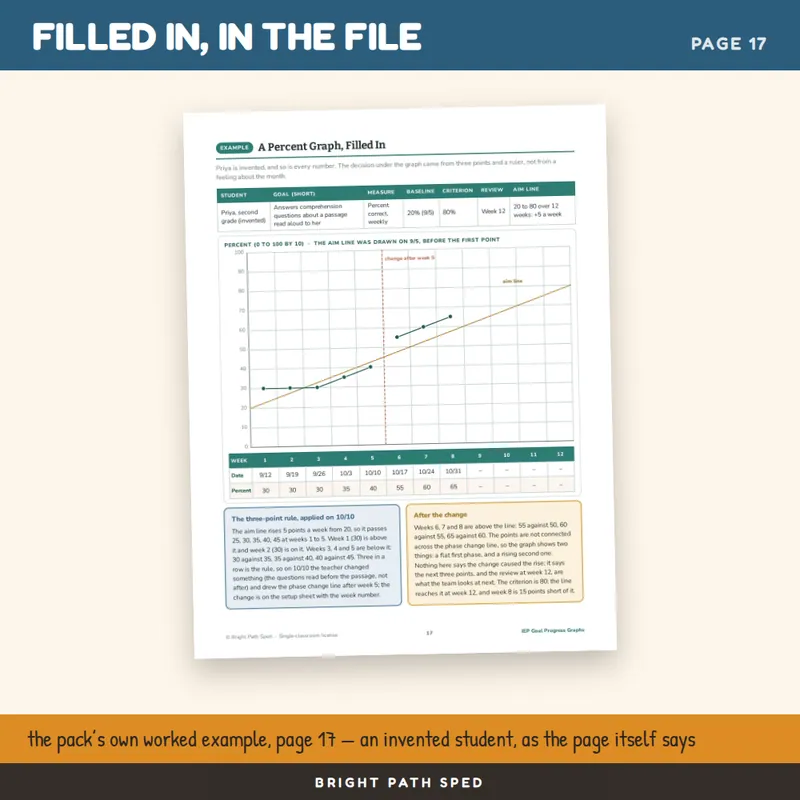
- A percent graph filled in for an invented second grader: eight weekly scores typed into the score row and plotted, the aim line drawn from the baseline to the criterion, a phase change line after week 5, and the decision the three-point rule gave, with every number on the page checked against the score row
What This Is, And What It Is Not
It is a fillable PDF. Open it in a PDF reader, click a line or a cell, type, press Tab to move on, and Save As once per goal. It works offline with no account or subscription. It is NOT a Google Sheets file, a Google Doc or an Excel workbook, and it does not draw the line: you type the dates and scores, then plot the points with a pen.
It does not say what a criterion should be, how many weeks a goal gets, or what a score means. Those come from the student's IEP and your team, and the setup sheet has a blank for each, including a line for your own decision rule if it differs from three points.
Who This Is For
Special education teachers and case managers who graph IEP goals for progress reports and annual reviews, paraprofessionals who plot the weekly point, related-service providers who want the same graph in every folder, and general education teachers asked to track one goal.
You might also need
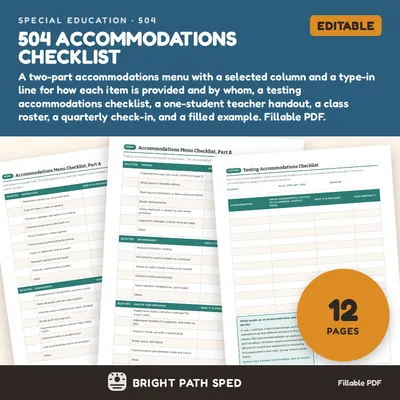
504 Accommodations Checklist Editable
$3.00 or with All-Access
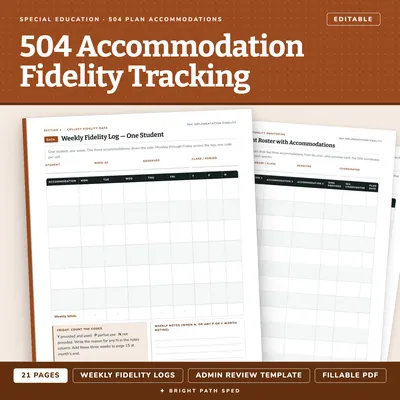
504 Plan Accommodation Implementation Fidelity Data Collection Editable
$3.50 or with All-Access
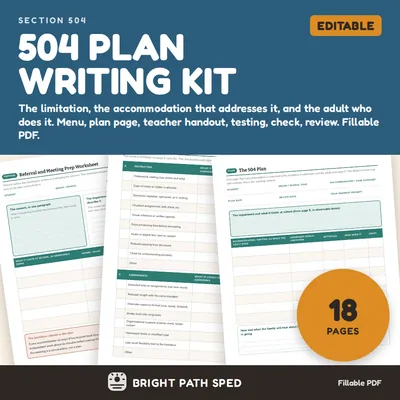
504 Plan Template Accommodations Checklist Teacher Handout
$5.00 or with All-Access
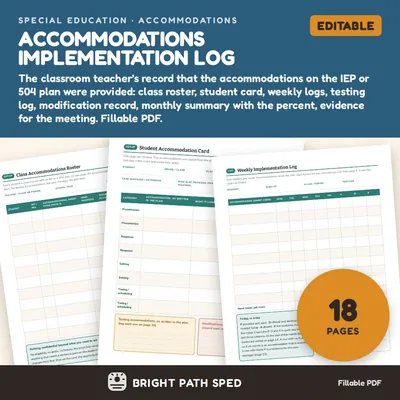
Accommodations Implementation Log Editable
$5.00 or with All-Access